Campaign Release Readiness: A Dependency-Led Checklist
Release a time-bound campaign through checked dependencies, claims, assets, customer paths, measurement, settings, stop rules, and exact public proof.

Acampaign is ready when each named check has passed. Check the offer, claims, audience, assets, customer path, measure, ad setup, budget, owners, stop rules, and live release. Lead time should come from that work and its review windows. A fixed six-week plan can be too long for a small update. It can also be too short for a complex launch.
Define the Release Decision and Deadline
Start with the choice the campaign must support. Name the offer, audience, market, channel, and live window. Then name the business action that will count. It might be an accepted lead, paid order, or kept booking. It must be a result that the firm can check.
Write the offer as a customer will see it. Record the price, dates, terms, limits, and service area. Add stock, team capacity, and each reason a person cannot qualify. Name the source for each fact. Do not build ads from an offer that is still changing.
Set a media cap and a full-cost cap. Full cost can include media, ads, page work, data work, staff time, and the cost of the offer. Choose the owner who can release, pause, or stop the campaign. Write the stop rule now. Stop faults can include a broken order path, false price, lost data, expired right, unsafe claim, or spend above the cap.
Name the last safe launch time as well as the public deadline. This leaves room to check the live path before the main spend begins.
Build the Schedule From Dependencies
Work backward from that last safe time. List each input, owner, review, and handoff that must finish first. Size each item from its real scope. Use the owner's stated review window.
Common needs include final offer terms, claim proof, ad files, and photo or music rights. The plan can also need partner and ad-platform review, data access, page work, or a new form. Add access checks, stock, team capacity, billing, and a backup plan. A video campaign with a partner and a new checkout can take far more time than one approved image linked to a working page.
Show which items depend on other items. Copy cannot be signed before the offer is final. A destination cannot be tested before it is built. A tag cannot be proved before the action exists. The longest chain sets the working lead time.
Add a named fallback for any item that can miss the window. The fallback can use an approved asset, remove an unproved claim, narrow the channel plan, move the date, or stop the release. Do not hide risk by cutting the review that controls it.
Freeze the Signed Campaign Brief
Keep one approved brief as the release record. Name the choice, audience, offer, claims, proof, and limits. Add the asset list, final URLs, ad setup, business action, and tracking event. Name the owners, caps, dates, stop faults, and backup.
List assets by file name or ID. List each final URL. Record the exact copy, image, video, logo, format, and call to action for each placement. Save the approved version. The team can then compare it with the ad tool and public page.
Freeze does not mean that nothing can change. It makes each change visible. Log what changed, why it changed, and who owns and reviews it. Record which files or settings now replace the signed version. Send a changed claim, price, date, URL, event, or audience back through its relevant check.
This record prevents a late edit from becoming an untested new campaign.
Clear Claims, Rights, and Access
Review the full message, not single words in isolation. For United States ads, the Federal Trade Commission says advertisers need a reasonable basis for objective claims before an ad runs. It also looks at express and implied claims. Other markets and regulated sectors need their own qualified review.
Check product facts, service scope, price, dates, savings, and comparisons. Check the proof, reviews, and notices too. A money-back promise does not replace support for the claim. Keep proof with the approved copy. Record when time-bound facts were checked.
Confirm rights for photos, video, music, type, logos, reviews, and quotes. Do the same for a person's image or voice. Check consent and any needed notice with the right owner. Make sure the license covers the channels, regions, edits, and live window.
Test access before launch day. The people who must publish, monitor, pause, repair, or answer customers need the correct account and role. Remove old access through the normal owner process. Do not share one person's login as a shortcut.
Review Assets and the Full Customer Path
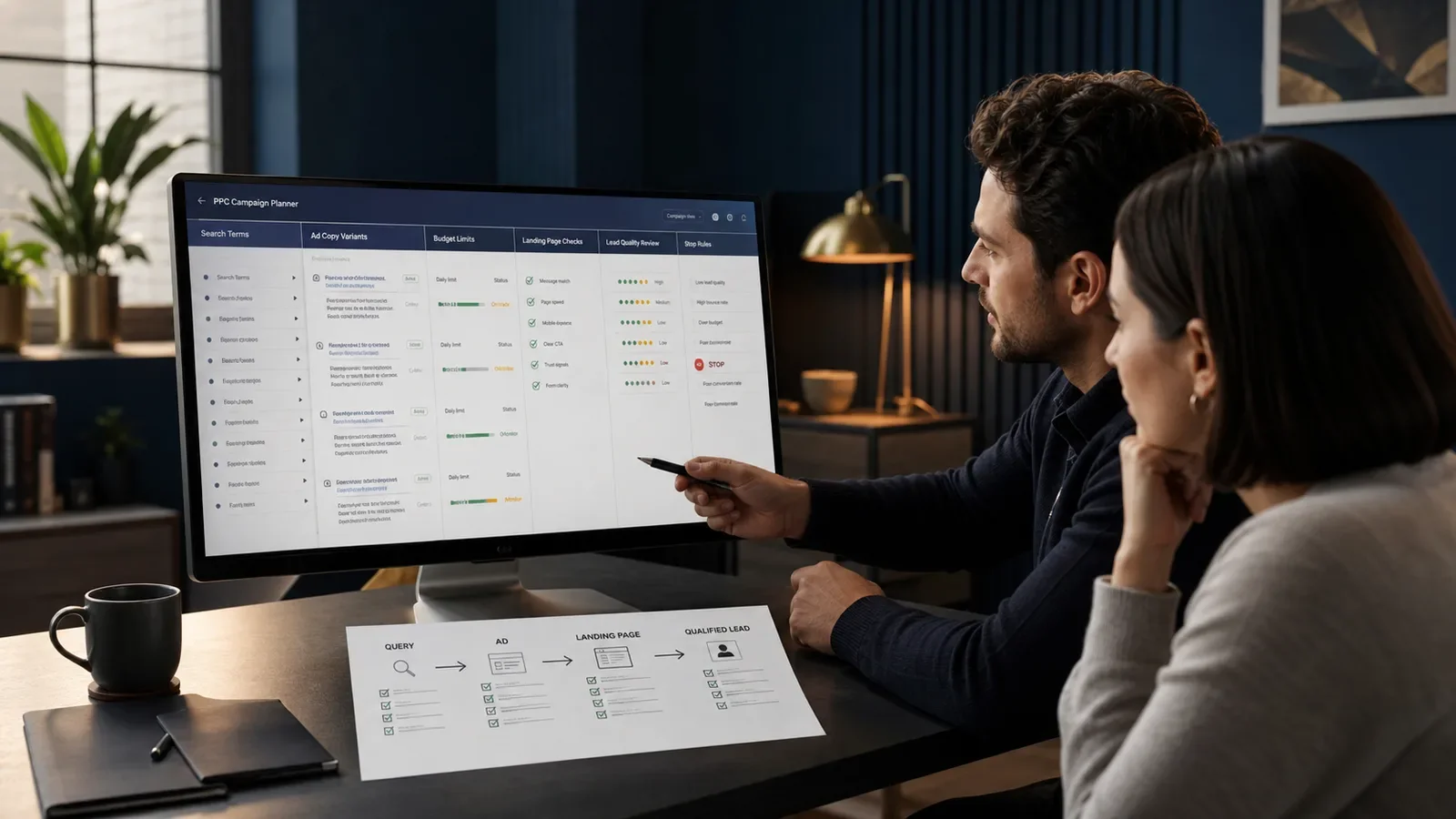
An approved ad can still lead to a failed path. Follow the route from the public asset to the final sales or service handoff. Check the page or app, form, checkout, and receipt. Check the email or message, sales queue, service step, and way back after an error.
Match the offer, price, dates, terms, names, and action across that path. The destination does not always need to be a new landing page. It does need to answer the ad and let the intended customer act without a false step.
Check a wide and small screen with a keyboard. Review focus, labels, errors, and captions. Check useful alt text, text contrast, zoom, and reading order. The W3C says access needs should be checked early and through production. It also says no tool alone can decide if a site is accessible. Pair tools with skilled human review.
Have someone who did not build the path complete the action. Save the device, browser, result, faults, owner, and fix. A screenshot of one good screen is not proof that the full path works.
Prove Measurement Before Spend
Name the business action first, then the platform event used to measure it. A page view is not an order. A form start is not an accepted lead. Keep softer events separate from the result the business will judge.
For a current Google Tag Manager setup, Preview mode can link the site to Tag Assistant. It can show which tags fired, their order, and the data they passed. Google Ads also has status checks and help for its current tag setup. These product details can change. Other tools need their own test.
Walk the real path in a safe test mode. Confirm that the event fires on the right action. It must not fire on the wrong step. Check that it carries the approved fields and reaches the right account. Check consent and data use with the privacy owner. Do not place private test data in a public record.
Save the event name, test time, environment, result, reviewer, and evidence. If the business handoff is a CRM, inbox, phone queue, or order system, verify that end too.
Lock Platform, Budget, and Delivery Settings
Read the ad setup against the signed brief. Check the account, campaign goal, tracked action, audience or query, place, and exclusions. Check the dates, time zone, bid, budget, cap, asset, URL, review state, auto tools, billing, and owner.
In Google Ads, conversion goals group the actions used to guide campaign bids. Check that the chosen goal matches the campaign decision. Do not assume the account default is right for every campaign. Treat current product menus and status names as changeable platform details.
Record any setting that the ad tool can expand or change. Check auto assets, URL reach, audience reach, placement rules, and auto-apply controls in that product. Save the final setup or an export where the tool allows it.
Use the seasonal demand and readiness plan to confirm why this campaign exists. Check what the business can fulfill and how much it can safely commit.
Run a Bounded Release Check
Choose the smallest useful exposure that the plan and ad tool allow. There is no universal reduced budget or 48-hour rule. A release check can be a live page check before media starts, a controlled send, a narrow audience, or a capped first stage.
Open the public asset and its page. Check the real copy, image, offer, URL, form, checkout, event, receipt, and business handoff. Confirm that ad review has cleared and the campaign can run. Watch spend, reach, data, stock, team capacity, and support lines.
Use the named stop faults. Pause when a material claim is wrong, the action fails, or data is lost or sent to the wrong place. Pause as well if the offer cannot be filled, access fails, or spend exceeds its approved boundary. Record the fault, time, owner, repair, and decision to restart or end.
A bounded check proves the release path. It does not prove the campaign will reach its business goal.
Reconcile Platform and Business Evidence
Join the ad record with the firm's own records. Match media spend and ad events with accepted leads or paid orders. Add margin, refunds, canceled orders, wrong-fit records, sales notes, capacity, and full work cost.
Use a stable ID or checked match rule where the systems allow it. Mark gaps, late records, and duplicates. State the attribution window and data limits. Do not merge a click, form, accepted lead, sale, and paid order into one count.
Judge the result only for the named dates, market, offer, setup, and measure. A lower click cost does not prove better customers. More leads do not prove more margin. A result from one release does not set a permanent rule for every campaign.
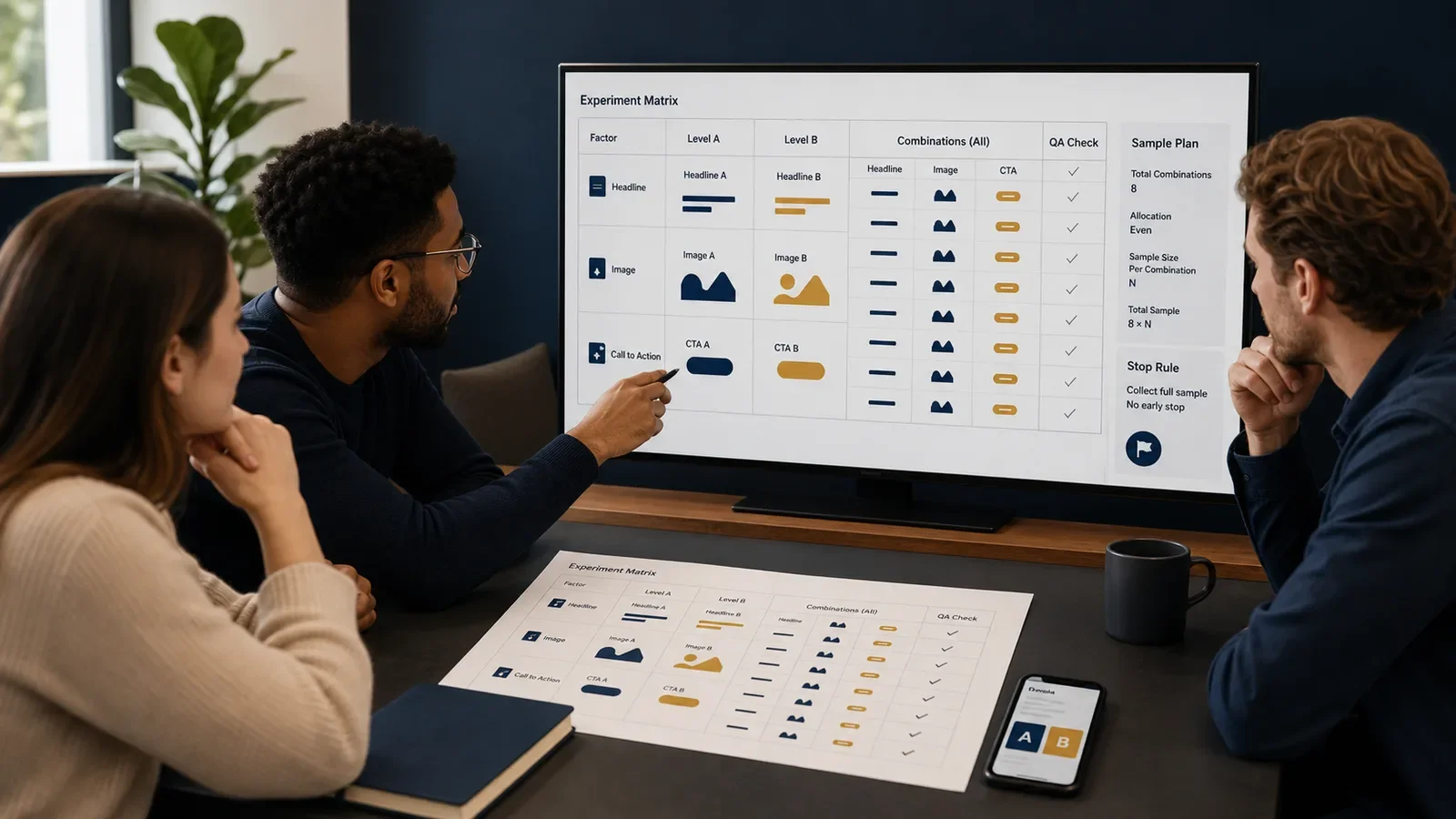
If the campaign includes a controlled comparison, set its rules before the test starts. Use the brand-safe ad testing and release guide to set the base, change, measure, sample rule, and limits.
Verify the Exact Public Release
Compare the saved CMS record, ad asset, and public page with the signed brief. Check the title, opening, offer, facts, claims, dates, and terms. Check the links, forms, sources, and full layout.
For a search-facing page, keep one H1 and make headings descend one level at a time. Keep the meta description from 70 to 160 characters. Check the approved byline, canonical URL, index rule, search rules, and accurate image alt text.
Open the live URL on a wide and small screen. Confirm HTTP access, but do not treat a 200 response as visual proof. Read the page, complete the path, and open its links. Inspect the hero and lower sections. Read the exact CMS version back after the update.
A draft is not public proof. A platform receipt is not public proof. Record the campaign as complete only when the exact approved release is live and every applicable gate passes.
Build a Campaign Release Record
TTGC can help map the campaign decision, dependencies, approved claims, assets, measurement, budget, owners, stop rules, business handoff, and release proof. Your platform, legal, privacy, finance, accessibility, sales, offer, and claims owners still approve the parts they govern.
Source notes
Google sources describe current Google products and can change. They do not set a universal campaign lead time, budget, release window, or business result. FTC guidance cited here applies to United States advertising. W3C guidance supports accessibility planning and evaluation, not campaign outcomes. The dependency record, release decision, full-cost record, acceptance rule, stop rule, and exact public gate are TTGC editorial guidance.