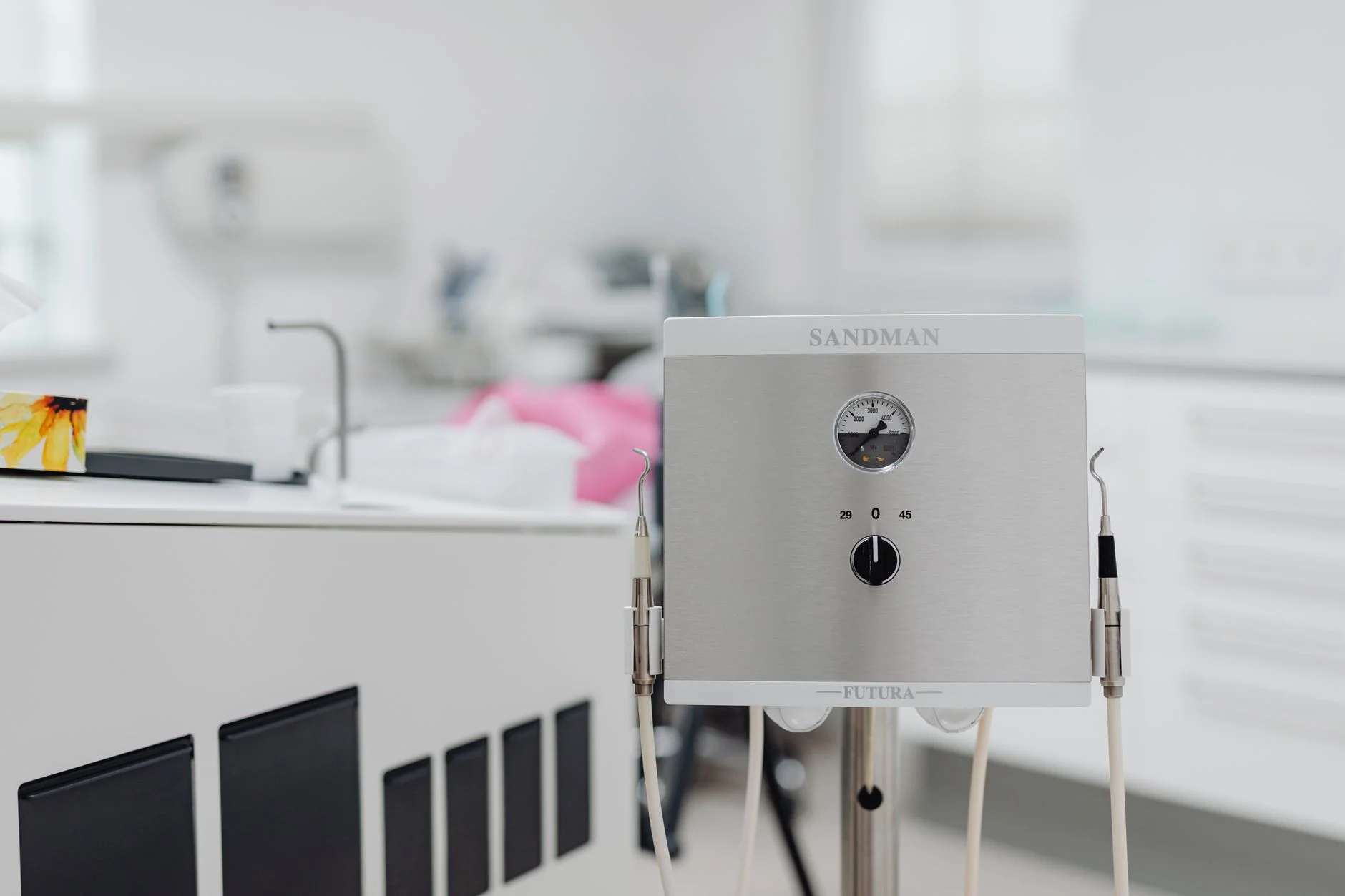
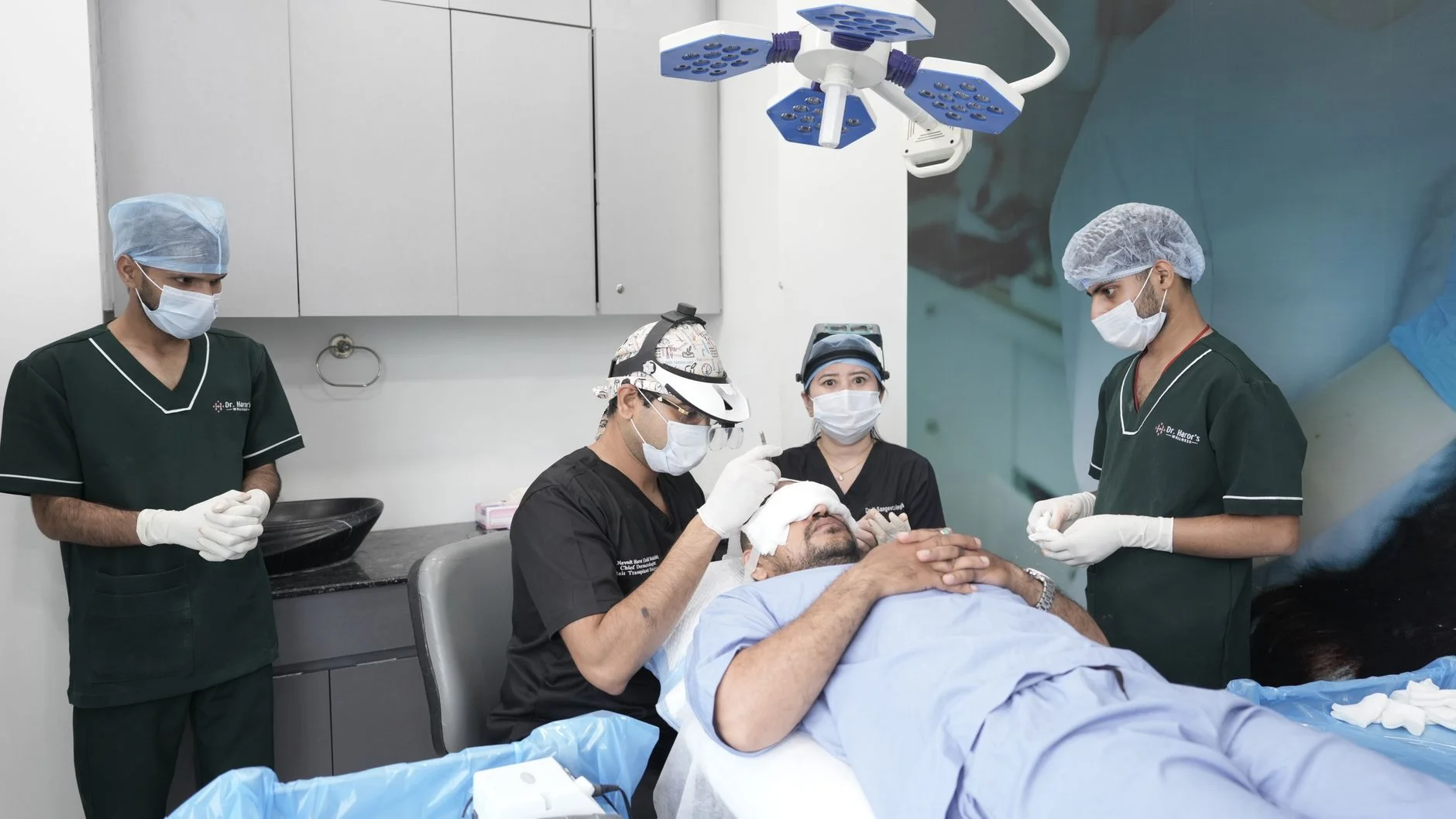
Aesthetic Clinic Branding and Growth: A Claims-Safe Guide
Build an aesthetic clinic brand and patient path with clear scope, claims review, service pages, access, local details, ad controls, and measured handoffs.

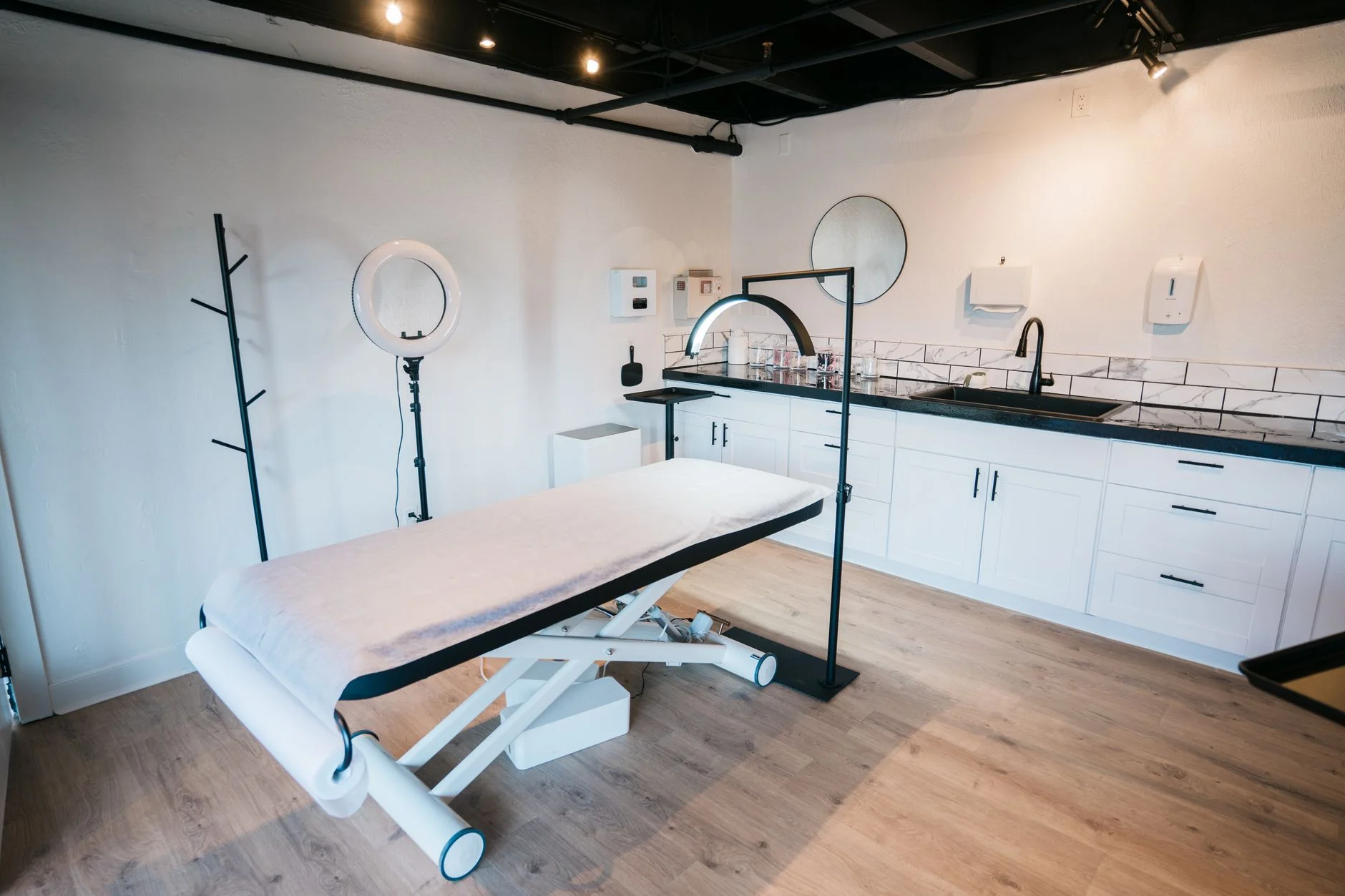
An aesthetic clinic brand should answer a few key questions. Who gives the care? What does the clinic offer? Where does it work? How can a person take a safe next step? The brand should not imply that each person is a fit. It should not promise a result that the proof cannot support.
The work joins brand, web, content, local facts, ads, and front-desk handoff. It also needs checks under the health, privacy, work, platform, and ad rules for each place. “Compliance-aware” is a process. A marketer cannot make that claim alone.
This guide offers a marketing workflow, not medical or legal advice. The clinic still needs expert review. That may include clinical, legal, privacy, and access checks for its services, claims, tools, and patient path.
Start With the Clinic's Real Scope
Write down the legal name, sites, licensed services, care team, referral limits, age rules, languages, and contact paths. Check each item with the clinic owner. Use the right care or legal reviewer too.
Then define the group by need and task. A person who compares acne care may need to know who gives the care. They may also need to know how an exam works and when a service may not fit. A person who looks at a cosmetic service may need a plain account, clear limits, recovery questions, and a path to a care consult.
Do not build the position around “best,” “risk-free,” “pain-free,” “permanent,” or “guaranteed.” A premium look cannot turn an unproved claim into a safe one.
Make the Service Menu Easy to Use
A long list of treatment names can force a new visitor to name their own need. Group the menu in a way the clinic can support. It may use a concern, body area, service type, or care role.
Each service page can state:
what the service is in plain words;
who provides it and where;
the type of assessment that comes first;
key limits or exclusions the clinic has approved for public use;
typical visit steps without outcome promises;
the source and date for factual medical claims; and
the right booking, call, or referral path.
Do not use a quiz or AI tool to give a diagnosis or pick a treatment. A clinic must design, test, approve, and govern such a use for its setting. A guide can help a person find basic facts. It should not pose as a care expert.
Build a Claim Review System
Health ads can make direct and implied claims. Words, photos, charts, names, white coats, and page design can all shape the claim. The US Federal Trade Commission tells firms to review the full effect of an ad. It also calls for sound support for health claims before release. Other places have their own laws and work rules.
Create a claim register with:
the exact public claim;
the page, ad, image, or video where it appears;
whether the claim is direct or implied;
the evidence and population it covers;
any needed limit or disclosure;
the clinical, legal, and brand reviewers;
approval and expiry dates; and
the owner of later updates.
The register can also cover simple work facts. Say a page states, “Saturday appointments are available.” Name the clinic schedule as the source. Record which site and services it covers. Assign the person who updates the page and set a review date. That example does not need clinical evidence. It still needs an owner and a current source. A treatment-result claim needs a much stricter review.
Keep a needed note near the claim it limits. A link to a long terms page may not fix a false main point. If a claim cannot be clear and true in the space, remove it or make it more narrow.
Before-and-after images need their own record. Keep consent, rights, dates, care context, edit history, and the approved text. Do not crop, light, pose, or retouch an image in a way that changes the result it seems to show.
Design for Trust Without Copying a Hospital
A clinic can feel calm and clear without fake signs of proof. Do not use medical signs or words to imply proof the clinic does not have. Use real staff, sites, service facts, and review paths when the clinic can share them.
Trust can come from:
accurate practitioner names, roles, and credentials;
a clear address, phone number, hours, and urgent-contact boundary;
visible service and price information where approved;
plain privacy and consent notices;
honest photos with known rights;
a correction path for wrong public details; and
dated content with a named owner.
The visual system should support those facts. Type, color, space, and images can make the page easy to scan. They are not proof of safety or results.
Set Rules for Reviews and Social Posts
Reviews and social posts are still public claims. Keep proof of consent and use rights before sharing a patient story, image, message, or video. Do not reveal that a person is a patient unless the clinic has a valid basis to do so. Staff should not have to guess if a public reply is allowed. Give them an approved reply path and an owner for hard cases.
Set written rules for rewards, staff posts, creator deals, comments, direct messages, and corrections. Do not edit a positive review into a broader result claim. A creator's disclosure should be easy to notice and understand. Move care questions to the clinic's approved private channel. State clear limits for urgent contact.
Make the Website Work for Real Tasks
Test the site with the tasks people need to finish. A visitor should be able to find a service and check the site. They should know who gives care and what comes next. They should also be able to contact the clinic with no trap.
Forms need clear labels and help. W3C says that clear, linked labels help people know how to use a field. This also helps people who use access tools. Test the form with a keyboard and on common phone sizes. Check errors, focus, time limits, contrast, and the last step.
Ask only for the data the task needs. Say where a form goes and who reads it. State how the team deals with urgent needs. Give a safe path for private or urgent facts. Get privacy and safety review for the clinic's place and tools.
The healthcare branding guide covers the wider identity and patient-task system. The medical-practice web guide covers forms, access, testing, and ownership in more detail.
Treat Search and Local Details as Records
Search work starts with accurate public information, useful service pages, and working links. Keep the clinic name, address, phone, hours, service areas, and booking paths in one owned record. Use that record when the website, directory, map profile, and ads are updated.
Google's LocalBusiness markup guide can help a site describe hours and units. The code must match the page a person can see. It does not promise a special search result.
Do not promise that a clinic will appear in an AI answer. Check a set list of prompts and public pages over time. Save the answer, source link, date, place, device or account state, and test limits. Keep AI answer views apart from rank, site visits, bookings, and attended consults.
Use Paid Ads With Named Controls
Ad rules vary by service, country, platform, target method, and group. Google notes that some health and medicine ads need approval. They may run only in approved places.
Before launch, record:
the service and approved place;
platform policy and version checked;
audience and any sensitive targeting rule;
each claim and its support;
image, video, and consent records;
landing-page match;
budget and stop limit;
form and call tests; and
the clinical, legal, and account owners.
An approved ad does not prove that each claim is lawful or safe. The platform check and the clinic's own check are two gates.
Measure the Whole Patient Handoff
Count results that the clinic can define and check. A click, form, booked visit, attended visit, fit patient, care choice, and return visit are not the same event.
Start with access and service measures:
calls and forms that reached the right team;
response time during stated hours;
booking and no-show rates;
common unanswered questions;
form or page errors;
requests that needed a different service or referral; and
corrections to public clinic details.
Do not report a care result as a marketing result. Keep care measures under the clinic's own care rules.
A Practical Release Gate
Before a page or campaign goes live, confirm:
scope, service, location, and practitioner details are current;
the claim register covers each objective or implied claim;
required clinical, legal, privacy, and brand reviews are recorded;
images and stories have consent and rights;
the page works with keyboard, mobile, and form tests;
the ad and page make the same offer;
owners and correction paths are clear; and
the next review date is set.
This system will not promise growth. It gives the clinic a documented way to explain its work. The team can test the patient path and learn from evidence. The copy does not need to pose as care advice.
Need a Clearer Clinic Brand and Patient Path?
Book a Brand and Growth Assessment to review brand scope, service pages, claims, public details, access, forms, handoffs, measurement, and ownership.