AI Avatars Do Not Automatically Look Fake and Hurt Your Brand
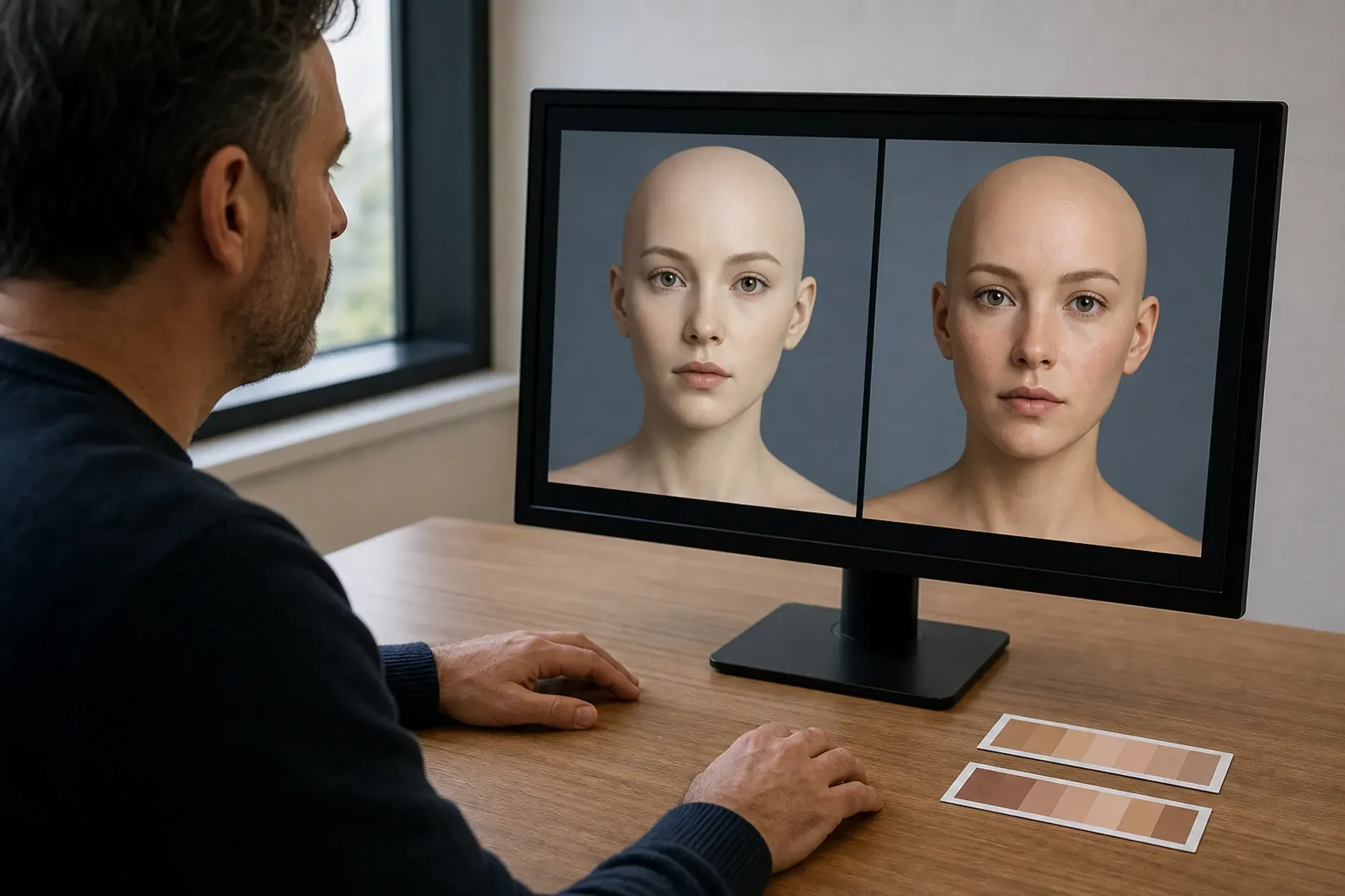
The AI avatar video brand quality myth says synthetic presenters always look fake and break trust. For explainer, training, and FAQ clips, that stopped being true. The uncanny valley has mostly closed for these jobs.

This article reflects professional analysis and industry research. Individual results vary.
The AI avatar video brand quality myth holds a lot of teams back. The fear is that any AI avatar clip will look fake, feel cheap, and hurt the brand. That fear was fair a few years ago. It no longer fits the tech. For the right jobs, like explainer clips, training, and FAQ answers, AI avatars now look real enough that viewers focus on the message. Used the wrong way, they still fail. The skill is knowing which jobs fit and being honest with viewers.
The Myth: AI Avatar Videos Always Look Fake
The belief is that AI avatars sit deep in the uncanny valley. That is the zone where a face looks almost human but a bit off, which makes people uneasy. So any brand that uses one will look cheap, and the format is best skipped.
This view is frozen in time. It fits early avatars with stiff mouths and dead eyes. The tech did not stand still. New avatar engines added natural blinks, small face moves, and subtle head moves. For everyday work clips, the result reads as clear and clean, not creepy.
The Evidence Against It: The Tech Moved
The two biggest avatar platforms both shipped large realism upgrades. Synthesia released its Expressive Avatars line. It adds more natural head moves, better face moves, and less of the stiffness that marked older versions. HeyGen released its Avatar IV and then Avatar V models. They close the uncanny-valley gap with tight lip-sync, natural head tilts, and lifelike gestures. These are real product launches, not slogans.
Use backs this up. Synthesia is widely used by large firms for staff training and learning clips, where brand control and the rules matter. Firms do not pick a tool for staff training if it makes them look cheap. The use case proves the quality is good enough for serious work.
There is a key limit. The realism gains are strongest for a talking head: a presenter who speaks to camera and explains a thing. That is just what explainer, training, and FAQ clips need. The tech is far weaker at deep emotion, action, or any moment a viewer expects from a real human. Match the tool to the job and it works. Push it past its range and the old fakeness comes back.
Trust rests on honesty as much as realism. The goal is not to fool anyone. Using an avatar to explain a feature is fine and expected. Using a fake version of a real person to fake a review, or imply a lie, is not. Many platforms also urge clear labels. Several social apps now ask creators to flag realistic AI-made clips. A label guards the brand. A lie destroys it.
What Is Actually True: Where AI Avatars Work and Where They Do Not
AI avatars raise your output without hurting the brand when you use them for the right jobs. Strong fits:
Explainer clips that walk through a product, a feature, or an idea
Training and onboarding clips that change often and must stay the same each time
FAQ and support answers shared as short, clear clips
Many language versions of one script, made with no reshoot
Weak fits, where a real human is usually better:
Founder stories and brand films that lean on real emotion
Real customer reviews, which must be real people
Big brand moments where a fake feel would break trust
The honest verdict is simple. AI avatars are not a magic upgrade and not a brand killer. They are a tool with a clear lane. In that lane they let small teams make far more clear, useful clips than they could by booking a studio for every script. Out of the lane, use a human. Either way, tell viewers the truth about what they watch.
Frequently Asked Questions
Q: Will viewers be able to tell it is an AI avatar?
A: Many will, and that is fine. The aim is not to trick people. The aim is to give clear info in a format that looks clean. For explainer, training, and FAQ clips, viewers care about the answer, not whether a real person filmed it. Label the clip as AI-made where it matters, and you keep trust.
Q: Do I still need to disclose that a clip uses an AI avatar?
A: It is wise, and more and more expected. Several major apps now ask creators to flag realistic AI-made or synthetic media. Beyond the rules, a label is good brand practice. People forgive an AI clip that was honest about being one. They do not forgive feeling fooled.
Q: When should I still film a real person?
A: Whenever the value comes from real human emotion or proof. Founder stories, brand films, and real customer reviews should use real people. The simple test: if the moment works only because a real human lived it, do not fake it. For plain info, an avatar is a strong, scalable choice.
Find out where AI avatar video fits in your content plan and where it does not. Book your free Growth Assessment at ttgcreatives.com/growth-assessment
Book a free Brand and Tech Assessment to map the current problem, evidence, constraints, and practical next step.
Sources
- Synthesia — Expressive Avatars and product updates. Documents avatar realism improvements including natural movement and micro-expressions. synthesia.io/features/avatars
- HeyGen — Avatar IV and Avatar V releases. Documents lip-sync, head movement, and realism improvements that narrow the uncanny-valley gap. heygen.com
- YouTube Help — Disclosing altered or synthetic content. Documents the requirement to disclose realistic AI-generated content to viewers. support.google.com/youtube/answer/14328491
- TikTok — AI-generated content policy and labelling. Documents disclosure expectations for realistic synthetic media. tiktok.com/transparency