Why Most AI Avatars Look Fake (and How to Fix It)
The uncanny valley problem in AI avatars isn't a model problem. It's a process problem. The fix is simpler than you think, and it starts with stopping what most people do by default.

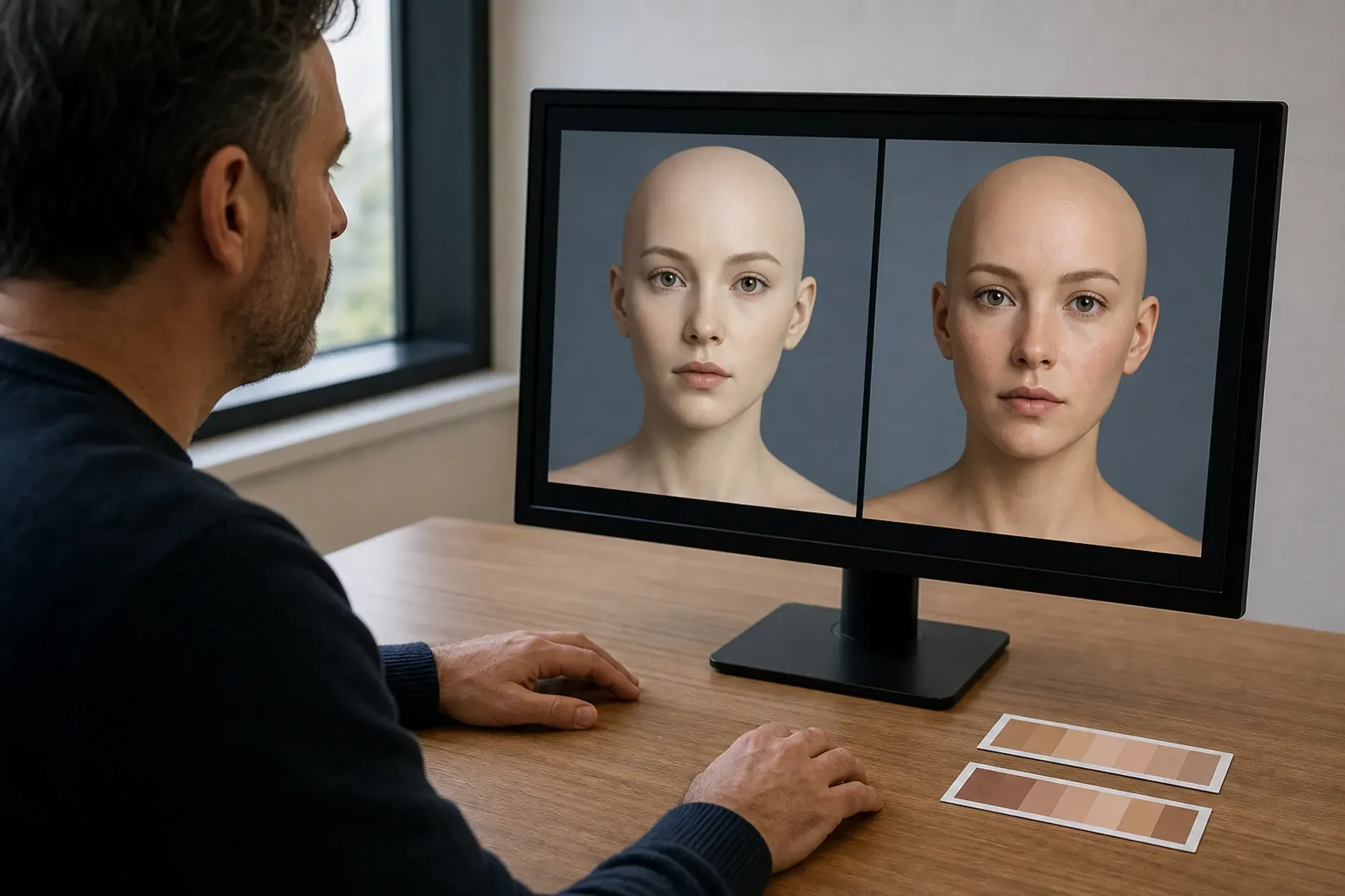
There is a strong view on why AI avatars look fake, and it is not the usual one. The problem is not the models. The models are amazing. A top image model can make photo-real faces. The quality matches what pro photographers shot ten years ago. So the problem is not what the model can do. It is what people ask it to do. Most AI avatar work means vague notes fed to a powerful system. Give a powerful system a vague brief, and it returns the average of every reading. The average of all pro headshots is what "AI-looking" feels like. It is correct, but empty. The lighting is competent, yet not specific. The face could be anyone.
Many people assume better models make avatars look less fake. There is some truth in that. Newer models do give richer output. But even the best models today can make terrible avatars. And older models have made results that look just like real photos. The difference was the person. They knew exactly what they were asking for. Model quality is the ceiling. Prompt detail is the floor. Most people stay far below the ceiling, because the floor is what holds them back.
The "Fake" Signal Is Almost Always Lighting
When an AI avatar looks generated, the tell is usually the light. It is not the face, and it is not the skin. It is the light. Look closer. The lighting has no clear source direction. The shadows do not commit to a side. There is no catch light in the eyes. Real photography has a light source. That source casts directional shadows. It also makes a small bright highlight in the iris. When those signs are missing or generic, the face looks lit evenly from nowhere. That is exactly what AI default lighting looks like. Fixing the light fixes the fake problem more than any other single change.
Skin Perfection Is the Second Tell
The uncanny valley lives in flawless skin. Real human faces have texture. Even beautiful, photogenic ones do. The tone shifts a little across the face. The T-zone catches light differently than the cheekbones. Faint lines carry the history of expression. AI models lean toward ideal smoothness. Their training data skews toward curated, retouched images. So the face looks printed rather than grown. The fix is simple and direct. Ask for texture. Ask for variation. Ask the model to treat skin like a real surface, not a render. It does not take much. A few specific lines in the prompt pull the result firmly toward the real.
Expression Averaging: Why "Natural" Produces Nothing
The most common expression note is "natural, approachable." That is a category. Categories give you category results. The AI gives its best guess. It aims at the average natural and approachable face. That face is caught between looks. It commits to none of them. Real expressions are specific. They use certain muscles in certain amounts. Try this instead. "The expression of someone who just heard something genuinely interesting but is still processing it." That will look more alive than "natural and engaged" every time. So stop asking for expression categories. Ask for expression moments.
How Kyndrify Closes the Specificity Gap
Most people use vague notes for a reason. It is not that they do not know better. Turning who you are into model-ready specifics takes skill most people lack. It also takes time most people do not want to spend. Every model has its own prompt language. Each one has quirks, so it needs its own tuning. Keeping up with every new model is nearly a part-time job. Kyndrify removes that burden. It uses a framework built on buttons. The framework does the model-specific translation for you. You do not write lighting specs in prompt language. You pick lighting settings instead. The system knows how to state them to whichever model is running. It closes the gap, so you do not have to become a prompt engineer.
AI avatars look fake when general notes meet powerful systems. They look real when clear choices about light, texture, and expression are built into the process. The fix is not a better model. It is a better process. Fix the process, and the model will do what it could always do.
Sources
TTGC / Kyndrify - patterns from building AI avatar tooling.
Frontiers in Psychology - research on the uncanny valley effect in synthetic faces. frontiersin.org
MIT Media Lab - perception research on generative human faces. media.mit.edu
Ready to work with Through The Glass Creatives?
Book a free Brand and Growth Assessment and see exactly how Mherie, Ravve, and the TTGC team would approach it.
Related reading: Why Your Avatar Sounds Like a Robot (and How to Fix the Voice) · Why Building an Avatar Feels Harder Than It Should