Why Building an Avatar Feels Harder Than It Should
The frustration isn't a skills gap, it's a systems gap. Most AI avatar tools were built for engineers, not for the people who actually need to use them.


Clients and creators say the same thing over and over. Building an AI avatar feels way harder than it looks. The demos run smooth. The marketing sounds easy. The real work often feels frustrating. And the reason is hard to put into words. The tech does work. The problem is the path. Going from "I want this" to "I have this" is far rockier than it should be. In short, making an AI avatar too complicated is a design problem, not a you problem.
Here is the contrarian view. This is not mainly a skills problem. It is a systems design problem. Most AI tools were built by prompt experts, for prompt experts. Think developers, researchers, and technical power users. The interface made sense for that crowd. It does not make sense for a founder who needs a brand avatar. It does not fit a marketer who needs a campaign asset. It does not fit a creator who needs a steady digital persona. The tool assumes skill the user does not have. And does not need.
The Expertise Assumption Problem
Open most AI tools and they ask for one thing right away. Write a prompt. The empty box makes it look easy. It is not. Good prompting takes real knowledge. You need to know how each model reads language. You need to know which words trigger which behaviors. You need to set a style without pulling in the wrong look. You need to structure your limits. None of that is obvious. None of it is taught inside the tool. You either know it, or you learn it the hard way.
Text-field interfaces assume you already speak model. Most people do not.
Error messages and odd outputs give no hint about what to change.
The feedback loop is slow. You generate, judge, adjust, and regenerate, with no clear sign you are getting warmer or colder.
The Consistency Problem Nobody Talks About
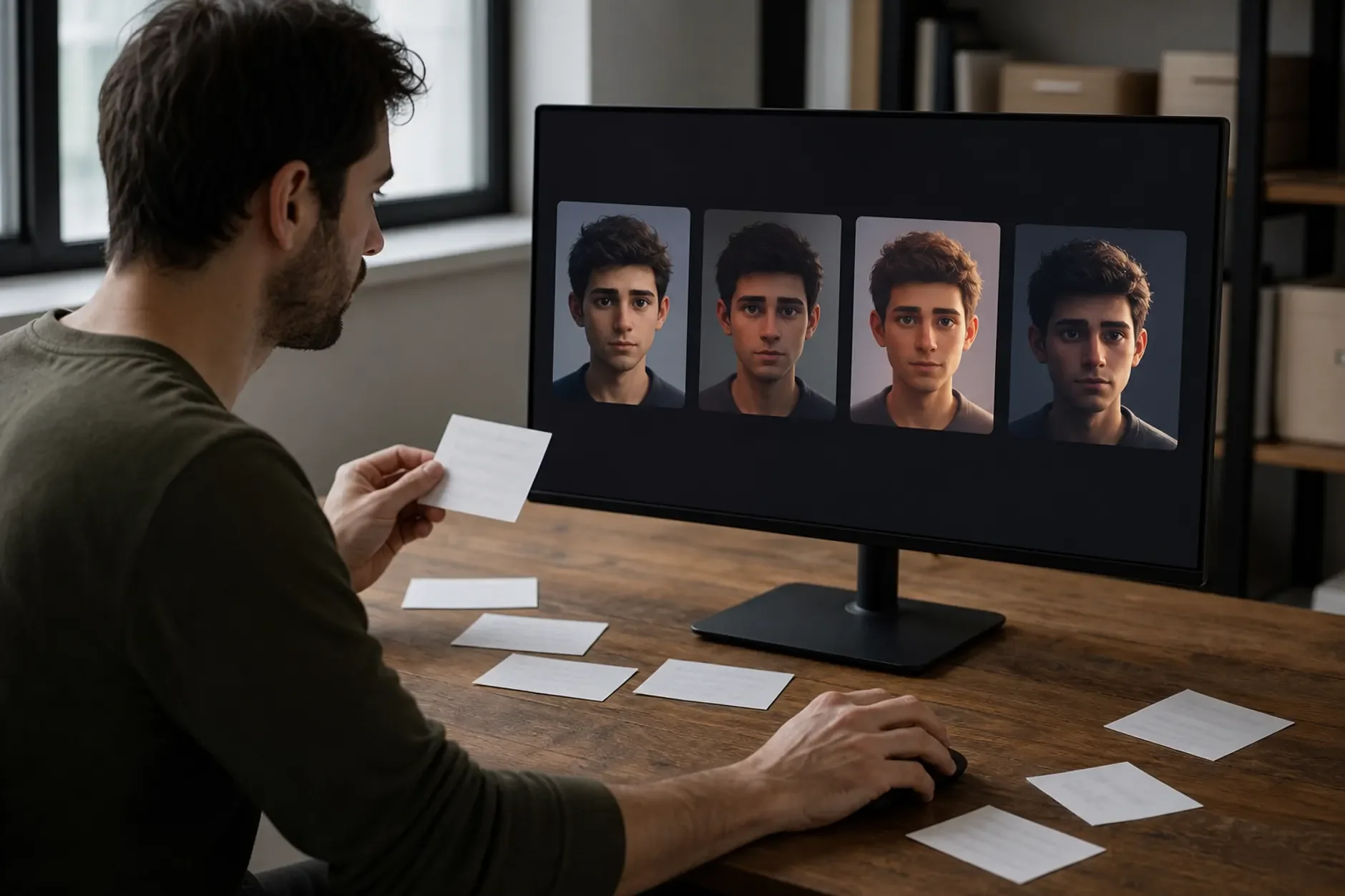
Say you finally get a result you like. Now comes the next hurdle. Getting that result again. AI models have built-in variance. The same prompt does not give the same output twice. For a quick test, that is fine. For a professional asset you build on, it is a real problem. Prompt tools have no way to "save this exact state." So the recipe for a good output lives in someone's head or in a note. Not in the tool.
This is why so many teams launch with a great avatar. Three months later they have a messy pile of variants. The first result was good. The way to repeat it was never written down. Nobody noticed until the gaps had piled up.
The Model-Chasing Tax
AI models update often. New ones show up all the time. Use raw model access, and tracking them becomes a part-time job. Which model is best right now? Has yours gotten better or worse since last time? Do you need to change your workflow because its prompt rules moved? All of that is time and mental load. It adds no creative value. It is pure upkeep that prompt-based tools dump on you.
Why Kyndrify Was Built to Address All Three Problems
The design brief for Kyndrify was not "make AI generation easier." It was "remove the things that make it harder than it needs to be." The button-based interface ends the expertise problem. You make choices through clear options instead of writing prompts. So you do not need to know how models read language. The structured selection state fixes the consistency problem. Your settings are documented by default. To repeat an output, you make the same choices. You do not rebuild a prompt. And Kyndrify manages the model layer, so the model-chasing tax goes away. The platform adds new and updated models for you. Your workflow stays steady.
The Broader Point About Tool Design
The frustration people feel is real, and it deserves a clear name. It is not a skill gap. The tools are not built for the full range of people who need them. That is a design choice. And it can be made another way. When the hardest part of building an avatar is the tool, not the creative calls, something is backwards. Good tools get out of the way. The best sign of a well-built tool is simple. It feels easier than you expected, not harder.
Sources
TTGC / Kyndrify - patterns from building AI avatar tooling. kyndrify.com
Don Norman - "The Design of Everyday Things" - foundational research on user-centered design and the gap between designer and user mental models.
Pew Research Center - surveys on public adoption of AI tools and barriers to entry. pewresearch.org
Ready to work with Through The Glass Creatives?
Book a free Brand and Growth Assessment. See exactly how the team would approach it.
Related reading: From Frustration to Framework: Solving AI Avatar Inconsistency · Should Real Estate Agents Use AI Avatars? The Honest Take