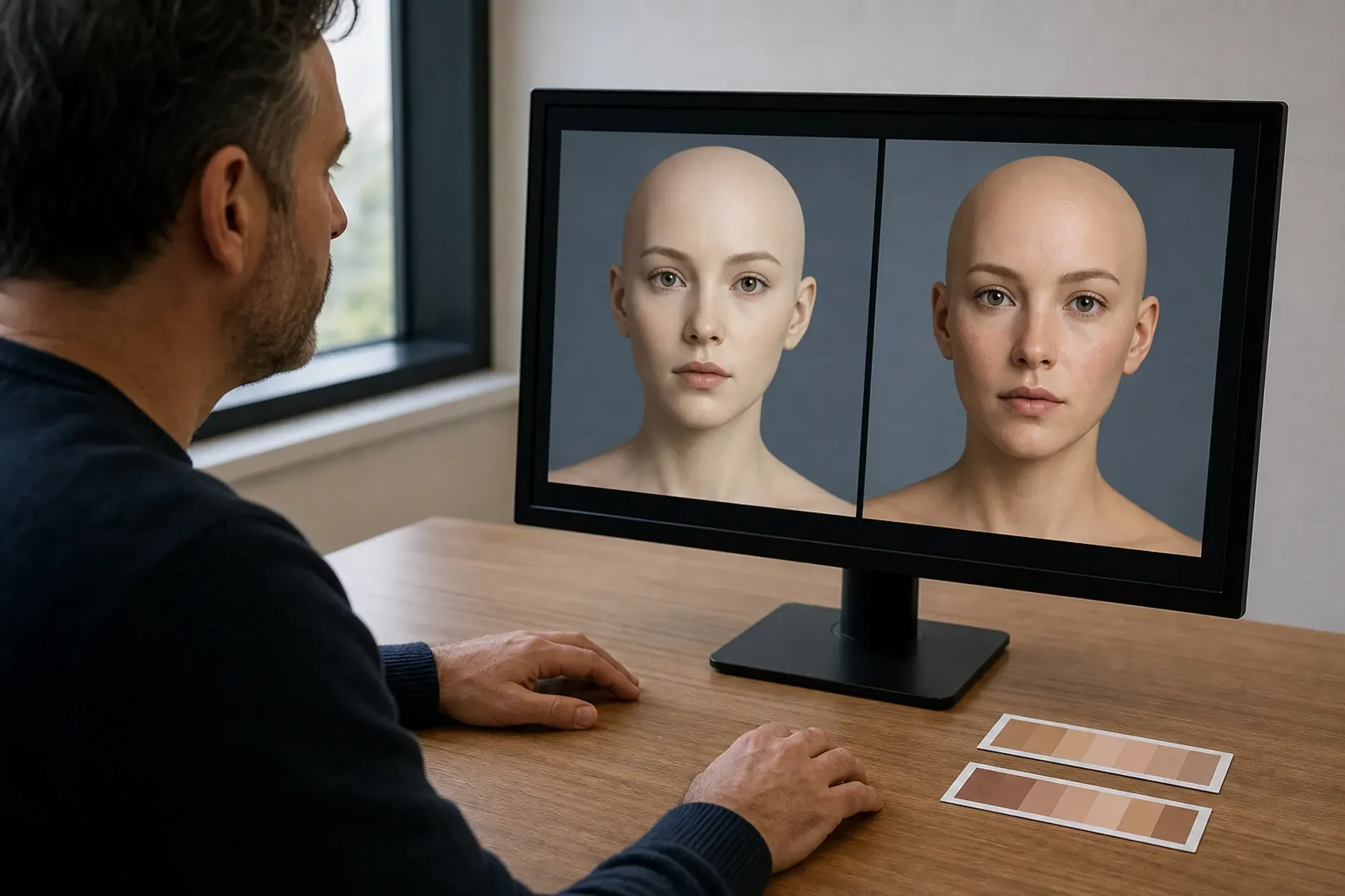
Why an AI Avatar Sounds Robotic: A Voice Fix Guide
Diagnose a robotic avatar voice through task, script, source audio, pronunciation, pace, pauses, emphasis, model fit, language, rights, data, tests, versioning, and human review.

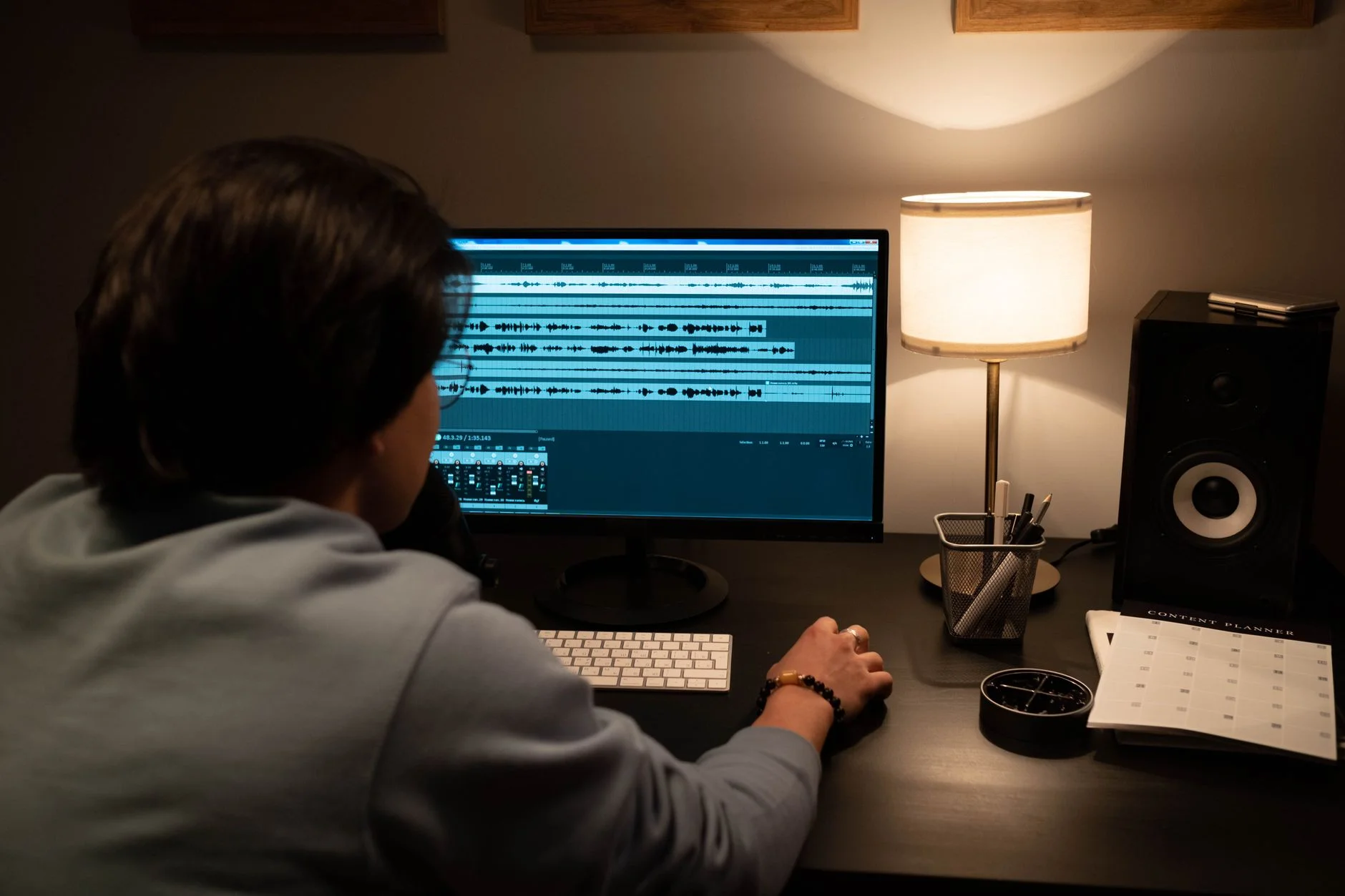
A robotic voice can come from the script, source audio, voice model, settings, language, edit, or the way the voice and face are joined. There is no safe rule that one cause is usually to blame. Diagnose one fault at a time with a short and repeatable test.
Start by Naming the Exact Voice Fault
Flat: stress and pitch do not fit the meaning.
Choppy: words or phrases feel cut apart.
Rushed: key words, numbers, or steps pass too fast.
Slow: pauses or word length make the line drag.
Wrong stress: a name, acronym, brand, or term is said badly.
Wrong mood: the tone does not fit the task or audience.
Unstable: the same word or voice changes across clips.
Out of sync: the voice and face do not align well.
Define the Task and Listener
Name the viewer, language, market, channel, and next step.
State whether the clip teaches, welcomes, warns, sells, or supports.
List names, numbers, dates, units, acronyms, and hard terms.
Mark health, legal, finance, safety, price, and result claims for review.
Keep a real human route when tone or judgement is sensitive.
Rewrite for Speech, Not for a Page
Page draft: "Our cross-functional implementation methodology enables rapid organizational adoption." Speech draft: "We set up the system with your team. Then we test one real task. Your staff can learn the new steps before a wider launch." The second version uses short clauses and clear stress. It keeps the broad idea but drops inflated wording.
Use one main idea in a sentence.
Put a key word near the end when it needs stress.
Spell out a hard acronym on first use.
Write a date, money amount, unit, or symbol the way it should sound.
Split long lists into short groups.
Use punctuation for meaning, not as a hidden timing tool.
Read the script out loud before synthesis.
Check Source Audio and Voice Rights
Record in a quiet and stable room with the same safe setup.
Keep the mic distance, gain, room, and voice style as steady as practical.
Avoid clipping, strong echo, noise cuts, music bleed, and mixed sample quality.
Use enough clean speech for the tool and licence chosen.
Get valid consent for the face, voice, script, language, market, and use.
Do not clone a person from old or public files without valid consent.
Use Pronunciation Controls
Start with the tool's supported word, alias, phoneme, dictionary, or SSML controls. Support differs by provider and voice. Do not paste one vendor's markup into another and assume it works. Keep a shared term list with the written form, spoken form, language, reviewer, and last test.
Tune Pace, Pauses, and Emphasis in Small Steps
Change one setting or one line at a time.
Use the normal default as the control.
Test a short, medium, and long sentence.
Add a pause only where meaning needs one.
Use emphasis on a few key words, not every phrase.
Check numbers, names, links, warnings, and calls to action.
Do not use a fixed rate or pitch range across all voices and languages.
Check Model and Language Fit
Compare two suitable voices on the same approved script.
Use the correct language and locale where the tool supports it.
Ask a fluent reviewer to check stress, meaning, and local tone.
Test code-switching and names as separate cases.
Do not infer fluency from a clean accent alone.
Keep each approved voice, model, setting, and script version in the record.
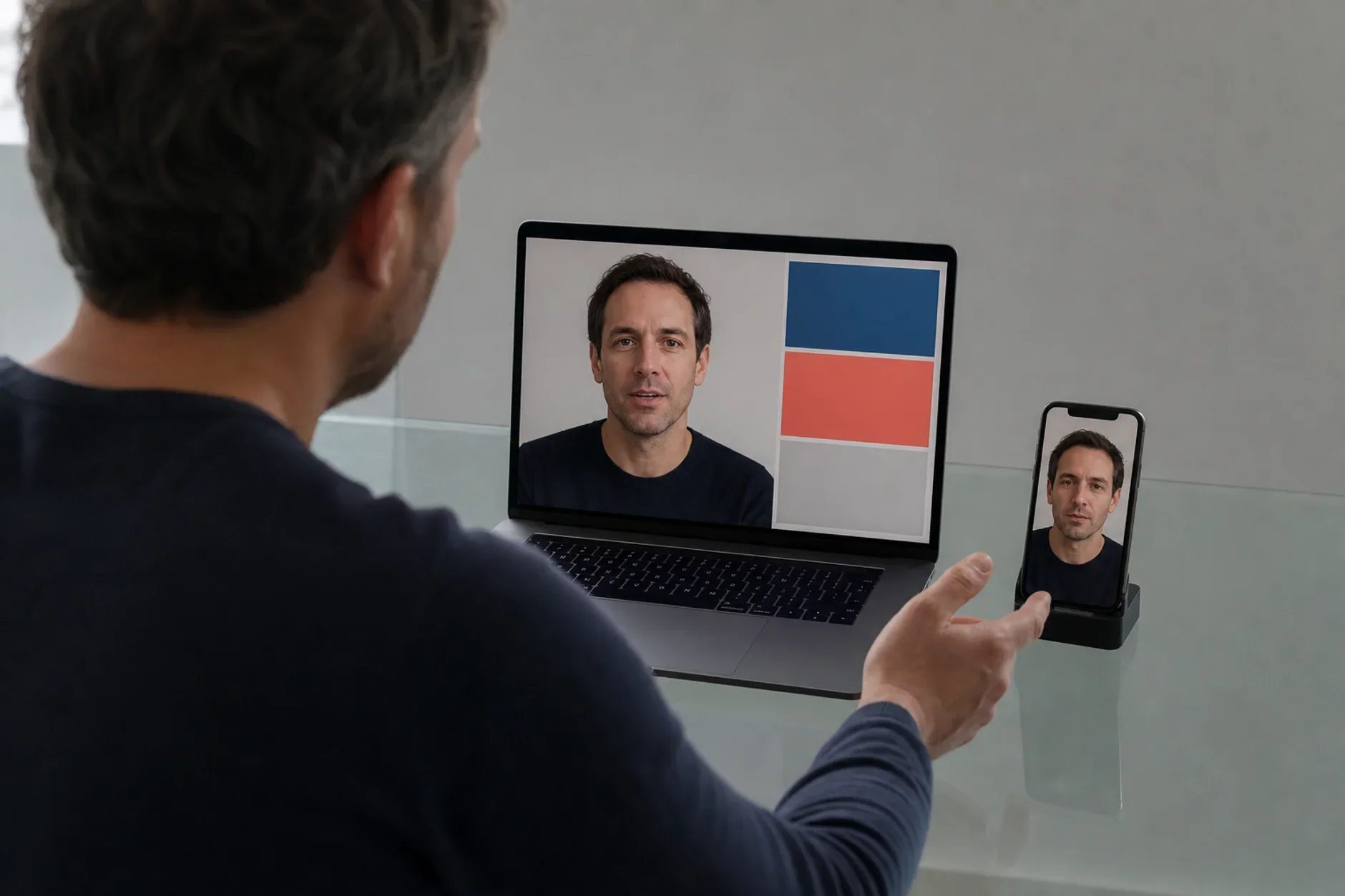
Check the Voice and Face Together
Render a short sample before the full clip.
Check lip timing, cuts, breath points, eye motion, and facial stress.
Avoid a strong gesture on a flat or quiet line.
Use a still, slide, screen, or real person when the avatar adds no value.
Give viewers captions, a transcript, audio control, and another format.
Protect Data and Claims
Keep client, patient, staff, account, and secret facts out of test prompts.
Map uploads, prompts, voice files, logs, training use, storage, and deletion.
Use least access and a safe export and vendor-exit path.
Disclose an AI voice or avatar when viewers may think the person spoke the words.
Do not invent a person, review, result, quote, or event.
Run a Blind Review
Create two or three short versions from the same source. Randomize their labels. Ask reviewers to mark the exact word or time where a fault occurs. Score task accuracy, pronunciation, pace, clarity, access, and fit. Keep comments separate from sales outcomes. A preferred sample does not prove trust or conversion.
Use a Fix Order
Fix a false claim, wrong word, name, number, or unsafe line first.
Fix the speech draft and pronunciation next.
Then test source audio, voice, locale, pace, pauses, and emphasis.
Check the face, edit, captions, transcript, and player.
Save the approved version and the reason for the choice.
Pull or replace the clip when facts, rights, tools, or guidance change.
The Short Answer
A robotic avatar voice may come from several layers. Name the exact fault, fix the speech draft, check source audio and rights, use supported pronunciation controls, tune one item at a time, test model and language fit, review the face and voice together, and keep a human-reviewed version record. No tool or setting can promise a natural result.
Need an avatar voice and review baseline?
TTGC can map the task, script, source audio, rights, pronunciation, pace, model, language, face sync, access, data, tests, versioning, and pull path. We do not guarantee a natural voice, trust, views, learning, sales, or return.
Sources
- W3C — Speech Synthesis Markup Language 1.1. https://www.w3.org/TR/speech-synthesis11/
- Google Cloud — SSML reference. https://docs.cloud.google.com/text-to-speech/docs/ssml
- Microsoft Learn — Speech Synthesis Markup Language. https://learn.microsoft.com/en-us/azure/ai-services/speech-service/speech-synthesis-markup
- NIST — AI Risk Management Framework. https://www.nist.gov/itl/ai-risk-management-framework
- W3C — Making Audio and Video Media Accessible. https://www.w3.org/WAI/media/av/