Why AI Avatar Results Are So Inconsistent (and How to Fix It)
AI avatar inconsistency has three distinct causes, and most advice addresses only one of them. Here's a complete breakdown of what's actually going wrong.

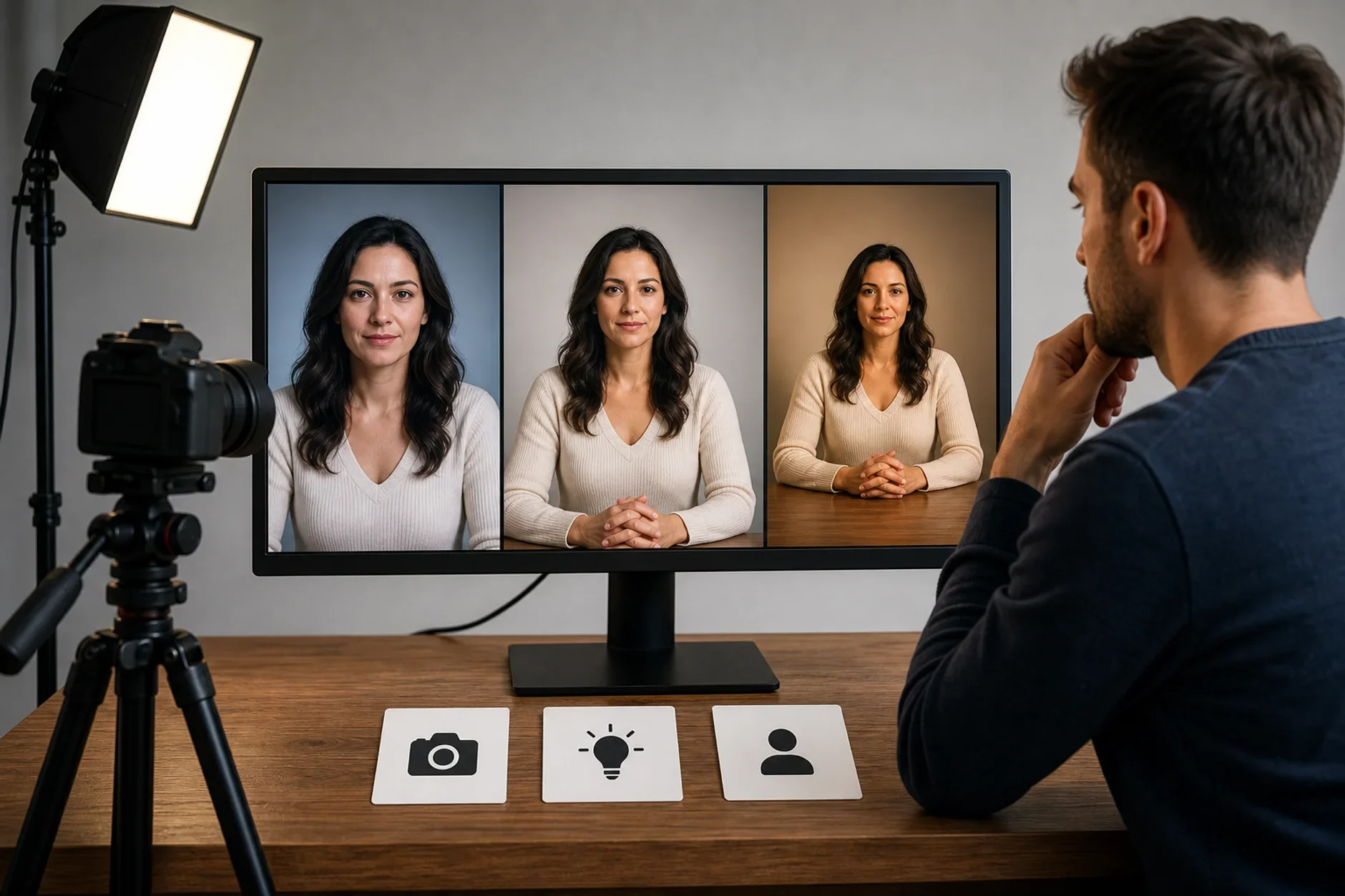
Inconsistency is the top gripe about AI avatar tools. So why is AI so mixed? Most advice gets this wrong. It treats the issue as a prompt problem. The usual fix is to write a better prompt. Or add more detail. Or switch models. But this has three root causes. Fixing one will not solve it.
Here is what really happens when your AI avatar results vary. This piece covers each cause. It gives the real fix for each one.
Cause one: models are not deterministic
The deepest cause is simple. Generative AI models are not deterministic. They use odds to pick each result. That adds change on purpose. You can use the same prompt, the same settings, and the same seed. The result can still shift when the model setup shifts. This is by design, not a bug. It makes creative variety. And that variety works against a steady brand look.
Temperature and sampling settings narrow the change. But they cannot remove it.
Seeds only repeat within one model version. A new version makes old seeds useless.
Cloud setups differ from run to run. That can shift results through floating-point variance.
Cause two: models are not compatible with each other
The second cause is simple too. Models read the same prompt in very different ways. Each model trained on different data. Each uses a different design. Each has its own idea of what "professional" or "realistic" means. A prompt tuned for one model does not carry to another. So your prompt breaks each time you try a new model or tool. You start from scratch.
Midjourney, DALL-E, Stable Diffusion, and Flux each have their own look. That default look can beat even a detailed prompt.
Style words shift too. "Photorealistic" and "cinematic" mean one thing to one model. They mean something else to the next. The look can change a lot.
Aspect ratio, lighting, and layout defaults change by model. They change by version too.
Cause three: models drift over time
The third cause is change. The model you wrote your prompt for is not the same model six months later. Safety updates, fresh training data, and new versions all shift how it acts. Those changes are often poorly written up for prompt engineers. Your prompt may have worked when you wrote it. Now it aims at a model that is gone.
The fix that solves all three causes
Most people patch one cause at a time. That wastes time. The real fix solves all three at once. Kyndrify is built on this idea. It uses a button-based setup that hides the prompt details. It turns your choices into the right inputs for each model. It keeps that layer current as models update.
This solves cause one. The setup stays the same each time, not just the prompt. It solves cause two. It handles per-model translation for you. It solves cause three. It updates that layer when models change. You never have to rewrite your prompts. Now a steady look is the default, not a lucky break.
The honest take
Say you have tried to fix avatar inconsistency with better prompts alone. Then you have solved one of three problems. Solve all three. Or accept that inconsistency is built into how you work now. It is not a skill you failed to learn.
Sources
Hugging Face. Technical documentation on generative model sampling and non-determinism. huggingface.co
TTGC / Kyndrify. Patterns from building AI avatar tooling.
Ready to work with Through The Glass Creatives?
Book a free Brand and Growth Assessment. See exactly how the TTGC team would approach it.
Related reading: From Frustration to Framework: Solving AI Avatar Inconsistency · The Prompt Roulette Problem: Why You Can't Get Consistent Results