Your Brand Looks Expensive in Figma and Cheap on Google. Here's Why.
The visual identity gap between design presentations and real-world digital implementation is where most brands silently lose credibility.


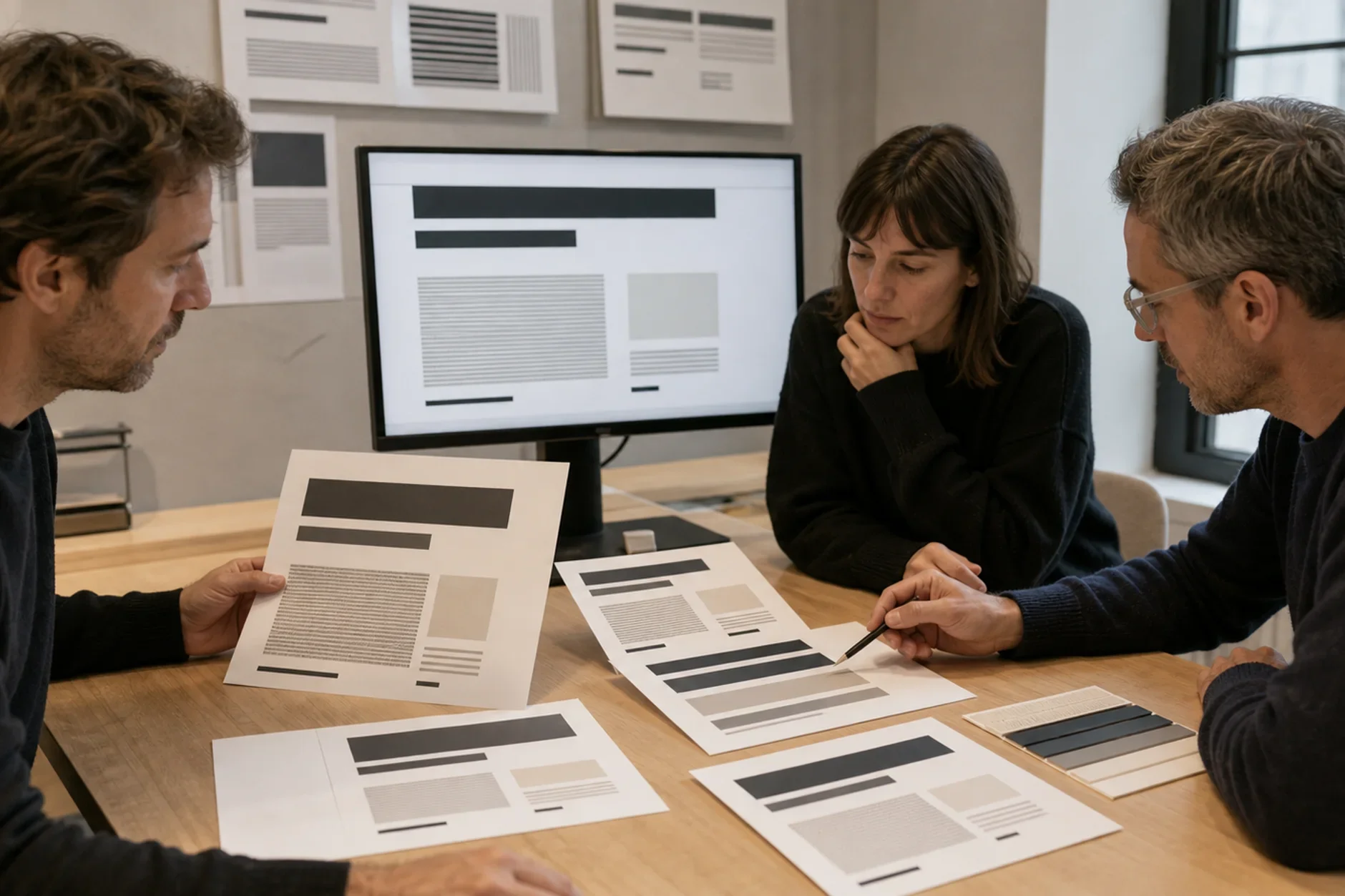
Everybrand presentation looks polished. The mockups are clean. The logo floats on a linen-textured business card. The color palette sits in a perfect grid of matched swatches. The designer shows it on a huge screen in a dark room. The client feels pride. But that pride often hides a gap. The brand looks great in the file. It looks weaker out there.
The brand launches. The client gets their first possible buyer. This buyer does something next. They search for the business online. They use Google to do this.
Here is what they find. A generic favicon that looks like a gray square. A Google Business Profile with a logo scaled wrong. A website where the chosen typeface was swapped for a system font, because someone did not know how to load custom fonts. A Facebook page header that crops the logo into a thin, unreadable sliver.
There is a gap between how a brand looks in a design file and how it shows up across the digital world. That gap is one of the most expensive problems businesses do not know they have.
The Figma-to-Reality Problem
Design files are in a safe place. The designer chooses the background. They pick the lighting. They set the context. The logo is always the right size. Fonts always work. Colors always look correct. This is because the monitor is calibrated.
The real world is tough on brands. Platforms squish images. Browsers swap out fonts. Screens change colors. Social sites set their own crop and size rules. Email apps remove custom fonts. Google checks your brand in many ways. These are things you did not plan for.
A logo can look premium at 400px. The same logo can look like clip art at 16px. Most businesses never design for both sizes. And most customers meet the 16px version first.
The favicon is the most overlooked brand asset there is. It sits on every browser tab your customer has open. It shows up in bookmarks. It shows up next to search results. It is often the most seen version of your logo. Yet most businesses skip it. Or they upload the full horizontal logo and let the browser crush it into something you cannot read.
Where the Gap Appears (And Costs You)
The visual identity gap isn't one problem. It's many small issues. They happen at every digital spot. Each one hurts your brand's trust. This trust was meant to grow. Instead, it gets worn down bit by bit.
Google Business Profile: Most use a logo for print. It's high-res. It's horizontal. It has a clear background. Google shows it in a white circle on a map. You can't read it. A good GBP icon is square. It's bold. It's easy to read as a small image. There's no extra info.
Section: Where the Gap Appears (And Costs You) Paragraph: Facebook, LinkedIn, and Instagram have different aspect ratios. They also have different safe zones. A header looks great on desktop. It gets cropped on mobile. Logos at the edges get hidden. Profile photo overlays cover them. These are common problems. Solutions exist for them. But only if you check.
Email signatures often have problems. Custom fonts may not work. They turn into Arial or Times New Roman in most email clients. Brand colors can change too. Different email clients show them differently. A signature might look great in the design file. But it arrives in an inbox looking old. It ends up like a corporate template from 2008.
Section: Where the Gap Appears (And Costs You) Paragraph: Website typography is important. A brand might pick a special font. The developer can load it wrong. Or the font may not work for websites. Then the browser uses a basic font instead. The brand's look and feel disappear fast.
The Implementation Standard Most Agencies Skip
Most brand identity packages have a problem. They show how a brand should look. But they don't use that look in real places. These are places where customers meet the brand.
Here's what you get: You get a brand guide PDF. It says your logo needs 20px of clear space. The main color must be #1A1A2E. The font should be Neue Haas Grotesk.
The work goes to others. It goes to the business owner. The web developer gets it too. So does the social media manager. None of them design brands. But they must use these rules anyway. They have to apply them in the real world. That world is often messy and complex.
Most brand guidelines describe a perfect world. They do not account for what happens next. A non-designer applies those guidelines inside imperfect platforms.
Here's what happens. Each person sees the brand rules differently. The website developer picks a purple shade close but not quite right. The CSS hex value is slightly off. The social manager uses an old logo file. It was emailed two years ago, before the rebrand. The print vendor changes the colors too much. They use a CMYK conversion that shifts them.
The brand looked united in the slideshow. In real life, it falls apart. This isn't carelessness. It's a natural part of day-to-day work.
What a Production-Ready Brand System Actually Includes
A production-ready brand system is more than a logo. It also needs a style guide. But it requires even more than those two things. The system must work well in the digital world.
**Favicon package:** You get multiple sizes. These include: - 16px - 32px - 180px Apple touch icon - 192px Android icon - 512px PWA icon Each one comes from a special logo design. It is made for small formats. It is not just the full logo scaled down.
Social media asset library: Pre-built templates for every platform. They account for each platform's current safe zones and display behaviors. Profile photos, cover images, post templates, and story templates. All are pre-formatted, so anyone on the team can update them without breaking the brand.
**Web font setup:** The typeface has a web license. It loads using woff2 files. It has a backup plan if something goes wrong. CSS colors match the brand specs exactly.
**Google Business Profile setup:** The profile photo uses the right brand assets. So does the cover image. And so does the text. Each one is the right size. The brand name matches your other digital properties. The categories do too. So does the website URL.
**Email signature template:** Made with HTML. It works well on Gmail, Outlook, and Apple Mail. The logo has its own link. It's not attached like a file. Spam filters won't remove it.
The Credibility Cost of the Gap
Customers aren't brand designers. They can't explain why a brand looks cheap. They just feel it.
They see the favicon is off. They notice the profile photo has the wrong logo. The email uses Arial. It looks cheap. The website font loads wrong. One issue won't make them leave. But together, they send a message. This business doesn't care about details.
A business charges high prices. It must look good everywhere. Customers pay lots of money. They want to feel sure. They look for reasons to trust. Or not to trust. A brand looks different online. This makes customers doubt.
One kind of brand looks expensive everywhere, not just in the design presentation. That is the brand that commands premium prices without having to justify them.
How to Audit Your Brand's Real-World Presence
Run this audit before spending money on ads or marketing. Search your business name on Google. Look at every result. Check the favicon on your website across browsers. Visit your Google Business Profile on mobile. Check your social media headers on desktop and mobile views. Open one of your email signatures in Gmail and Outlook.
You’ll likely be surprised by what you find. It’s often humbling for most businesses.
The brands that look expensive are not the ones with the biggest budgets. They are the ones that took implementation as seriously as design. The mockup is the promise. The implementation is where you keep it.
Your Brand Deserves to Look as Good as It Did in the Presentation
TTGC builds brand identity systems designed for the real world. They cover the favicon, the website, and every digital touchpoint your customers actually encounter.
Work With the Team Behind the Work
If you would rather have this built right than figure it out alone, Through The Glass Creatives is the studio to call. Mherie Vic Palomo-Prevendido and Ravve Jay Prevendido lead TTGC. The team combines award-winning creative, growth strategy, and real AI and development capability under one roof. Most agencies give you one of those. Freelancers rarely give you any at scale. TTGC gives you all three. That is what makes the team a strong partner for work like this. Start with a free assessment and see what that difference looks like.