How to Train Your AI Avatar to Represent You Better
Your AI avatar should look and feel like you, not like a generic professional who happens to share your jawline. Here's how to get there.


Most people generate their first AI avatar and pause. They look at it and say, "That's me. Kind of." That "kind of" hides a real problem. The face is recognizable. But the presence is wrong. The avatar looks like a polished stranger wearing your features. Good AI avatar training fixes this. It captures the way you carry yourself. It catches the energy in your eyes when you feel sure. It knows how you dress for a keynote versus a client meeting. Skip that work, and the model guesses. Its guesses come from the average of millions of professional-looking faces.
You can't train an AI avatar in one shot. It takes a cycle. First you set a baseline. Then you spot the gaps between the output and the real you. Then you feed the model better material. You repeat until the image matches reality. Most people stop after the first step. The people who get avatars that truly look like them keep going.
Step One: Build a Reference Set Before You Generate
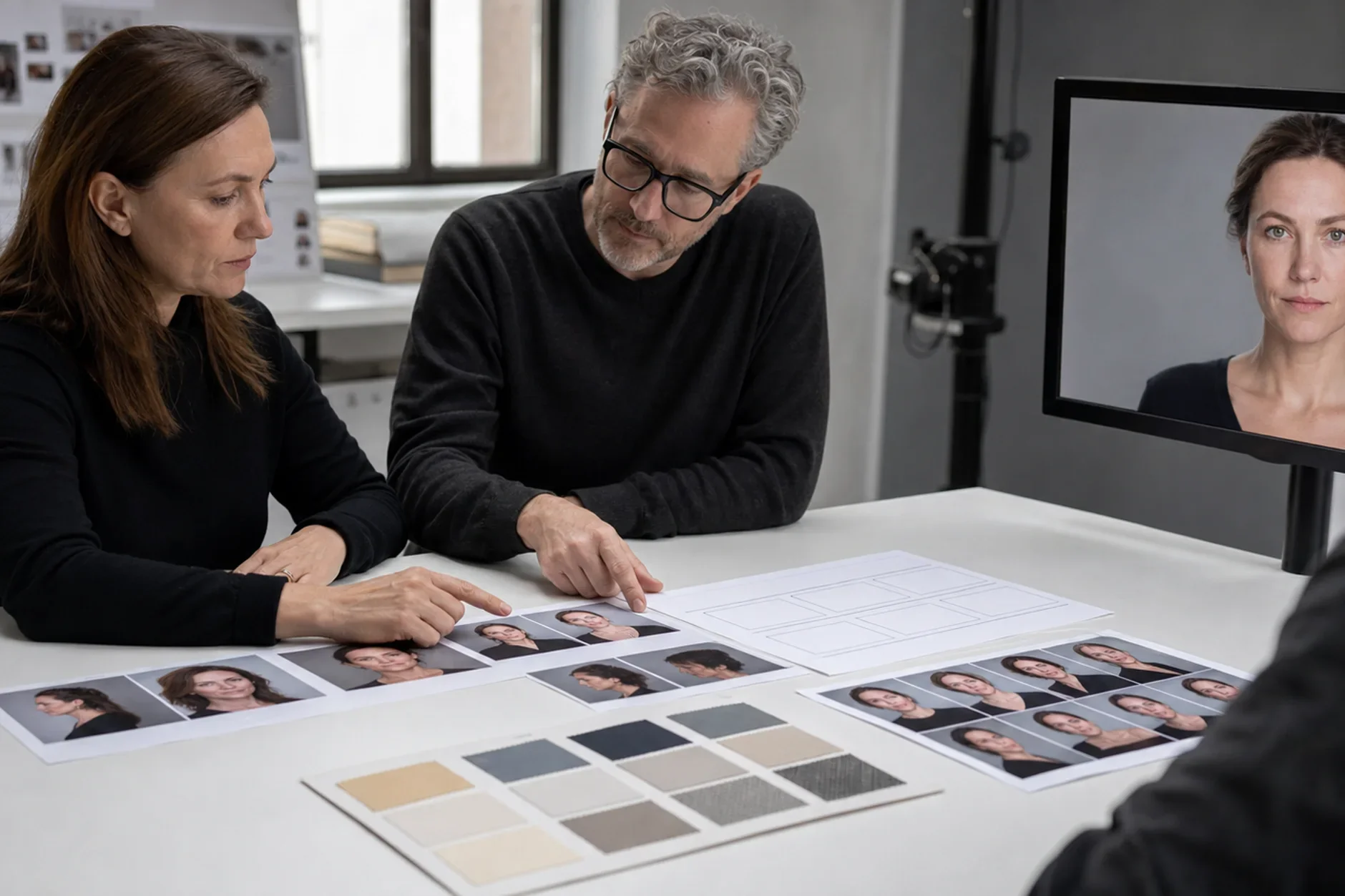
Don't write a prompt yet. First gather five to ten photos of yourself that feel accurate. Pick images where a close friend would say, "Yes, that's you." Skip your best shots. Skip the most flattering ones. Choose the ones that feel true. Now look for what they share. Check the angle. Check the light. Check the expression, the clothes, the setting. That shared pattern is your identity signal. If an AI image drifts far from it, the image looks less like you. It does not matter how polished it is.
Aim for variety in the reference set: indoor and outdoor, different lighting conditions, candid and posed
Note recurring details: hair position, typical expression, how you hold your shoulders
Identify the three to five things that, if absent, would make the image not feel like you
Step Two: Translate Identity Into Prompt Material
Here is where most people get stuck. They know how they look. But they can't describe it for a model. The fix is to swap adjectives for specifics. "Confident" is an adjective. "Direct eye contact, slight forward lean, relaxed jaw" is something the model can use. "Professional" is just a category. "Navy fitted blazer, no tie, white shirt with one button open, clean watch" is a real wardrobe spec. Every adjective leaves a gap. The model fills that gap with its own guess. Every specific detail is a rule you set instead.
Replace emotional adjectives with physical descriptions wherever possible
Specify wardrobe at the item level, not the vibe level
Describe your actual hair - texture, length, how it sits - not just the color
Step Three: Run Calibration Rounds, Not Single Shots
Generate a batch of images. Compare each one to your reference set. Then find what keeps drifting. Maybe the model softens your jawline. Maybe your dark brown eyes pull toward gray. Maybe the look lands on "pleasant" when you want "engaged." Each drift is a gap in your prompt. Fix one gap at a time. Change five things at once, and you won't know which fix worked. Write down what you changed and what got better. After three or four rounds, your prompt will produce you on demand.
Why Kyndrify Makes Calibration Repeatable
The hard part of manual calibration is not round one. It is that round two ignores what you learned in round one. When you prompt a model directly, that knowledge lives in your head. Maybe it sits in a notes file. Then the model updates, or you switch tools, and you start over. Kyndrify is built to solve this. The button-based framework saves the settings that define your avatar across sessions. So your work builds up instead of resetting. You are not teaching the system again each time. You are refining one saved setup that already knows you.
An avatar that truly looks like you is a real asset. It shows up in video thumbnails. It shows up in AI-assisted messages and content. Later it shows up in interactive apps where you can't be there in person. So getting it right is worth the effort. And getting it right once, so a new model can't undo it, is worth far more.
Sources
TTGC / Kyndrify - patterns from building AI avatar tooling.
Nielsen Norman Group - research on digital identity and avatar representation. nngroup.com
Ready to work with Through The Glass Creatives?
Book a free Brand and Growth Assessment and see exactly how Mherie, Ravve, and the TTGC team would approach it.
Related reading: How Often Should You Update Your Digital Twin Avatar? · How to Make Your AI Avatar Look Realistic