The 5-Step Framework to a Realistic AI Avatar
Realism in AI avatars is not accidental. This is the five-step process we use to go from brief to deployment-ready result, every time.

This realistic AI avatar framework comes down to five steps. They were refined over a few years of building AI avatar tools. These are not five prompting tricks. They are five structural decisions. You make them in order. Each one narrows the choices for the step after it. Do all five in order, and the result lands in the "realistic" range again and again. Skip any one, and the model has to make up the difference with luck. A clear framework beats luck.
You do not need to be a pro photographer for this. You do not need to be a prompt engineer either. You just make clear choices at the right moments. Do not fall back on vague terms. The steps stay the same for a personal brand headshot, an executive profile image, or a content creator avatar. The questions match every time. Only the answers change.
Step 1 - Define the Anchor Image
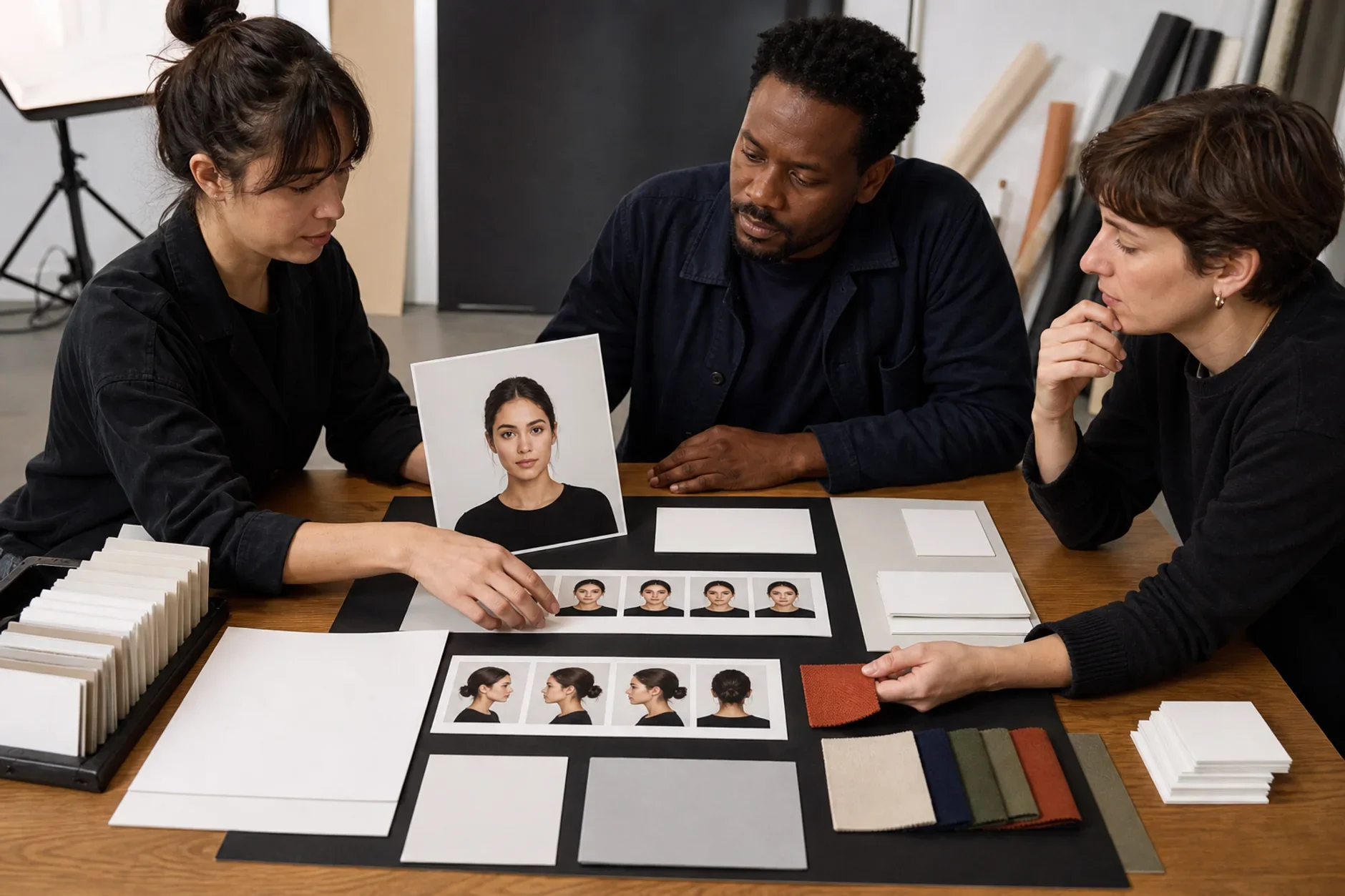
Start before any prompting. Pick one photo that matches your visual target as closely as you can. Do not use a celebrity. Use a real photo of the actual person. Match the conditions to the result you want. This anchor image does two jobs. First, it gives you real details to turn into prompt language, so you do not invent specs from scratch. Second, it gives you a baseline to judge your results against. No close photo on hand? Then find a lighting or composition reference that shows the quality you want. The anchor is your true north.
Step 2 - Specify Light Before Anything Else
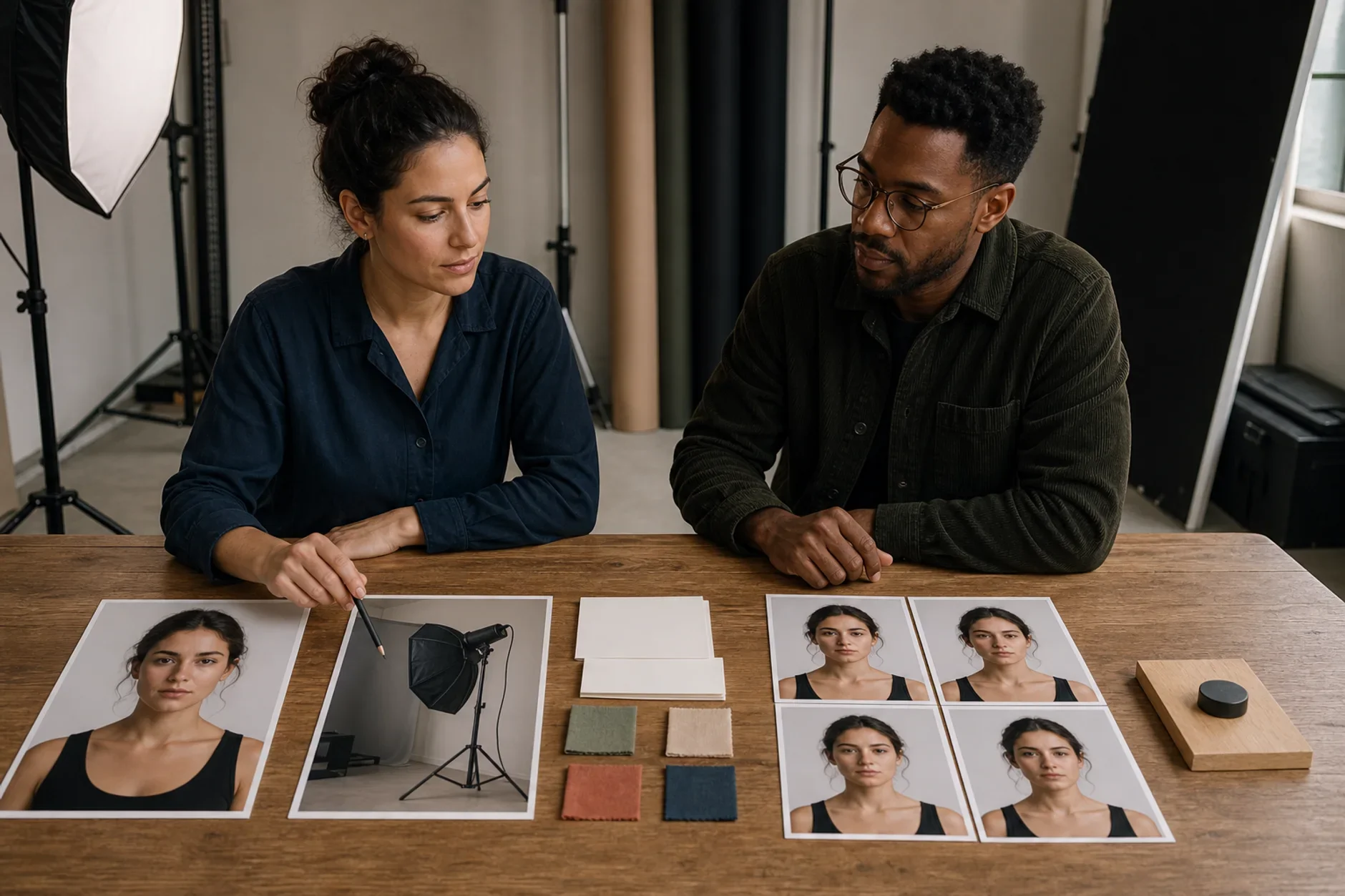
Light decides more than anything else whether an AI image looks real or fake. So lock the light first. Set it before appearance, expression, or background. Choose the direction, meaning which side and what angle. Choose the quality, meaning hard and sharp or soft and diffused. Choose the shadow behavior you want. Also call out the catch light in the eyes. That small detail is what makes a face look alive instead of flat. Once the light is set, it guides every choice that follows.
Step 3 - Describe, Don't Evaluate
Write each prompt element as a description, not a judgment. "Professional" is a judgment. It gives the model an opinion, not a spec. Compare it to this. "Dark navy blazer over white shirt, one button open, no visible tie, clean analog watch." That is a description. It tells the model exactly what to make. The same rule covers expressions. Use "slight natural smile, soft focus, direct eye contact," not "friendly and approachable." It covers backgrounds. Use "light warm gray seamless," not "clean studio background." It covers skin. Use "visible natural skin texture, slight variation across the face, no obvious retouching," not "realistic skin." Descriptions set limits. Judgments invite guesswork.
Step 4 - Generate in Batches, Score Against the Anchor
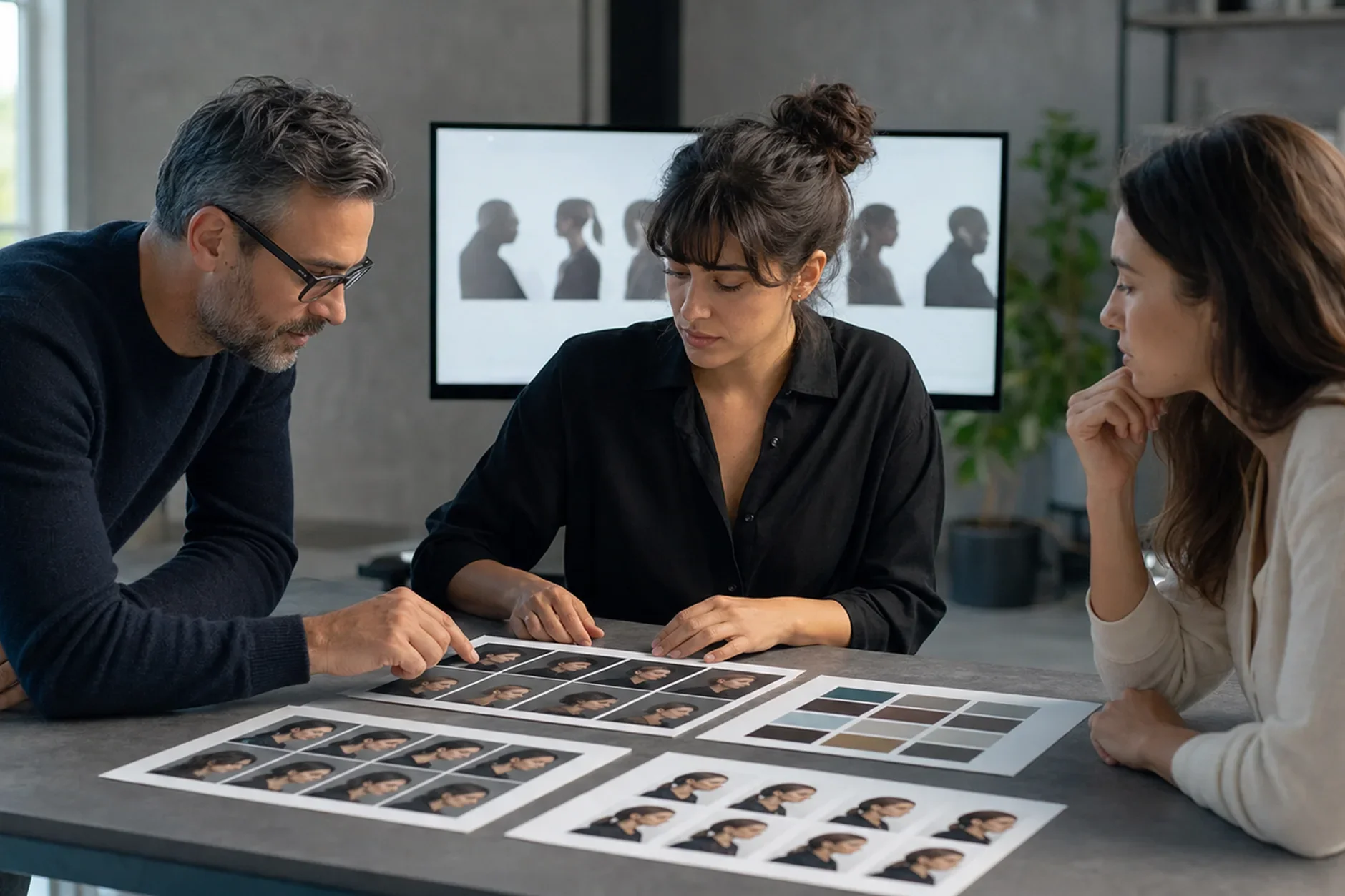
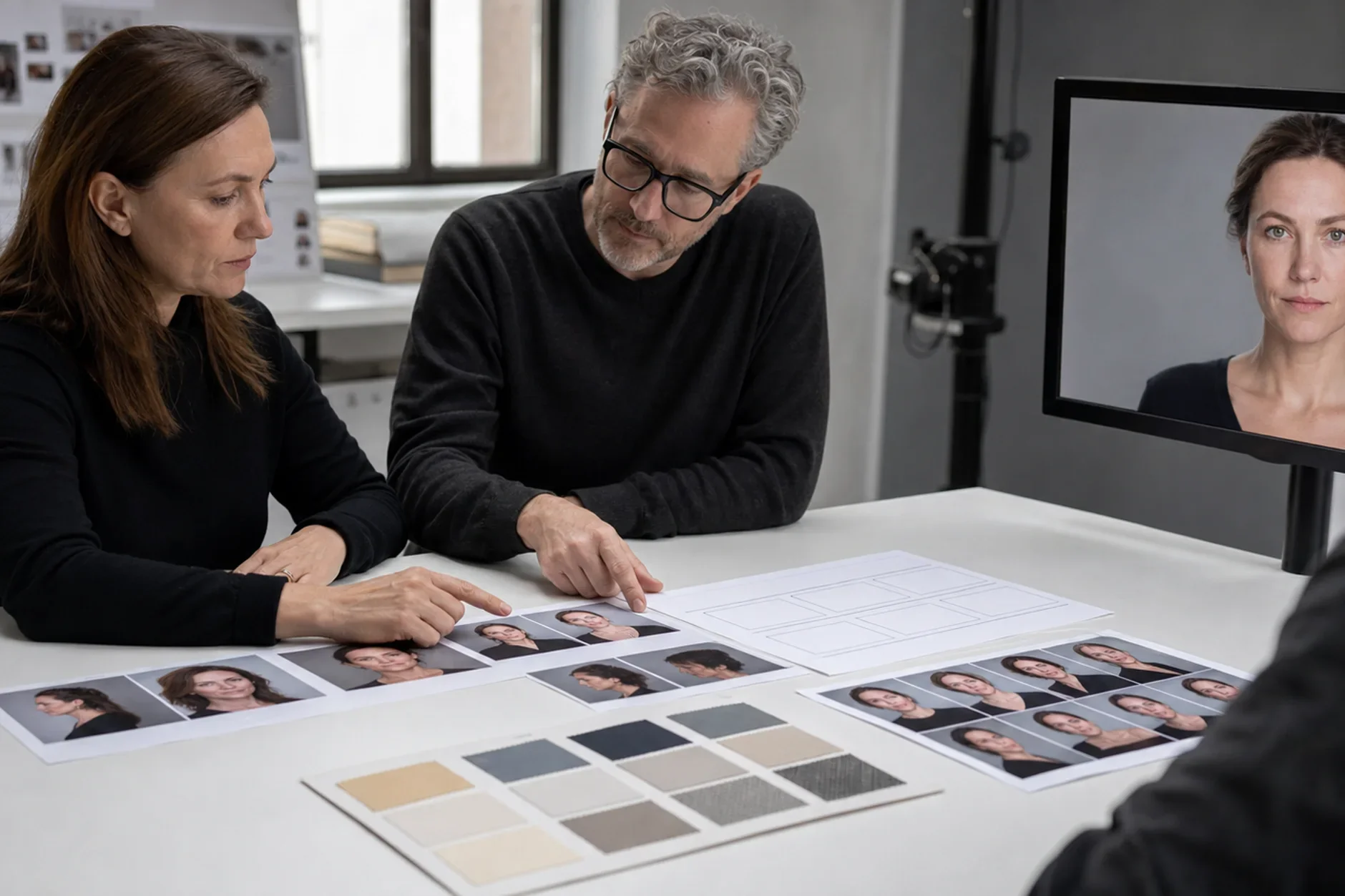
One shot is a lottery. A batch is a selection process. So generate 4-8 results from the same prompt. Score each one against the anchor image on four points. Check physical accuracy, light match, expression quality, and background coherence. Pick the one that scores highest on all four. Not the prettiest. Not the most flattering. Just the best match to the spec. Then see what the winner did better than the rest. That is the variable to push in your next batch. Two or three rounds of this get you a result one generation cannot reach.
Step 5 - Lock the Configuration in Kyndrify
Say you find a setup that reliably lands in the realistic range. The work is only half done if you do not save it. Manual prompting drifts over time. You simplify. You forget details. A new model reads the same text in a new way. Kyndrify solves this at the structural level. Its button-based framework encodes your working setup. Future generations then start from the same spec. Step 5 is not optional. It turns a one-time win into a repeatable process. Skip it, and you are back to the lottery after every model update.
Five steps, each one narrowing the choices for the next. Light before appearance. Description before judgment. Batch before selection. Saving before repeating. Follow the order and realism becomes likely, not lucky.
Sources
TTGC / Kyndrify - patterns from building AI avatar tooling.
Adobe Research - studies on photorealism in generative image models. research.adobe.com
Ready to work with Through The Glass Creatives?
Book a free Brand and Growth Assessment and see exactly how the TTGC team would approach it.
Related reading: Stop Re-Prompting: A Framework for Consistent Avatars · How to Make Your AI Avatar Look Realistic