What Is an Illustration?
Learn what makes an image an illustration, how purpose shapes style and form, and how briefs, sources, rights, accessibility, testing, and handoff work.

An illustration is a made image with a job to do. It may explain an idea, show a process, support a story, or set a mood. The artist may draw, paint, cut paper, build in 3D, add motion, or use digital tools. The job defines the work more than one style or method does.
The job may be useful, expressive, or both. The art may show how a service works. It may make an unseen idea clear. It may also help a brand form a distinct visual voice.
Put It in Plain Words
Photography starts with light from a scene. Illustration constructs or interprets the scene. Both can be edited, staged, or taken out of context, so neither format is proof by itself.
Start with what the viewer needs to know or feel. Style comes after that choice. A polished image that sends the wrong message is still the wrong image.
What Counts as an Illustration?
The field is wider than art for a story. It can include:
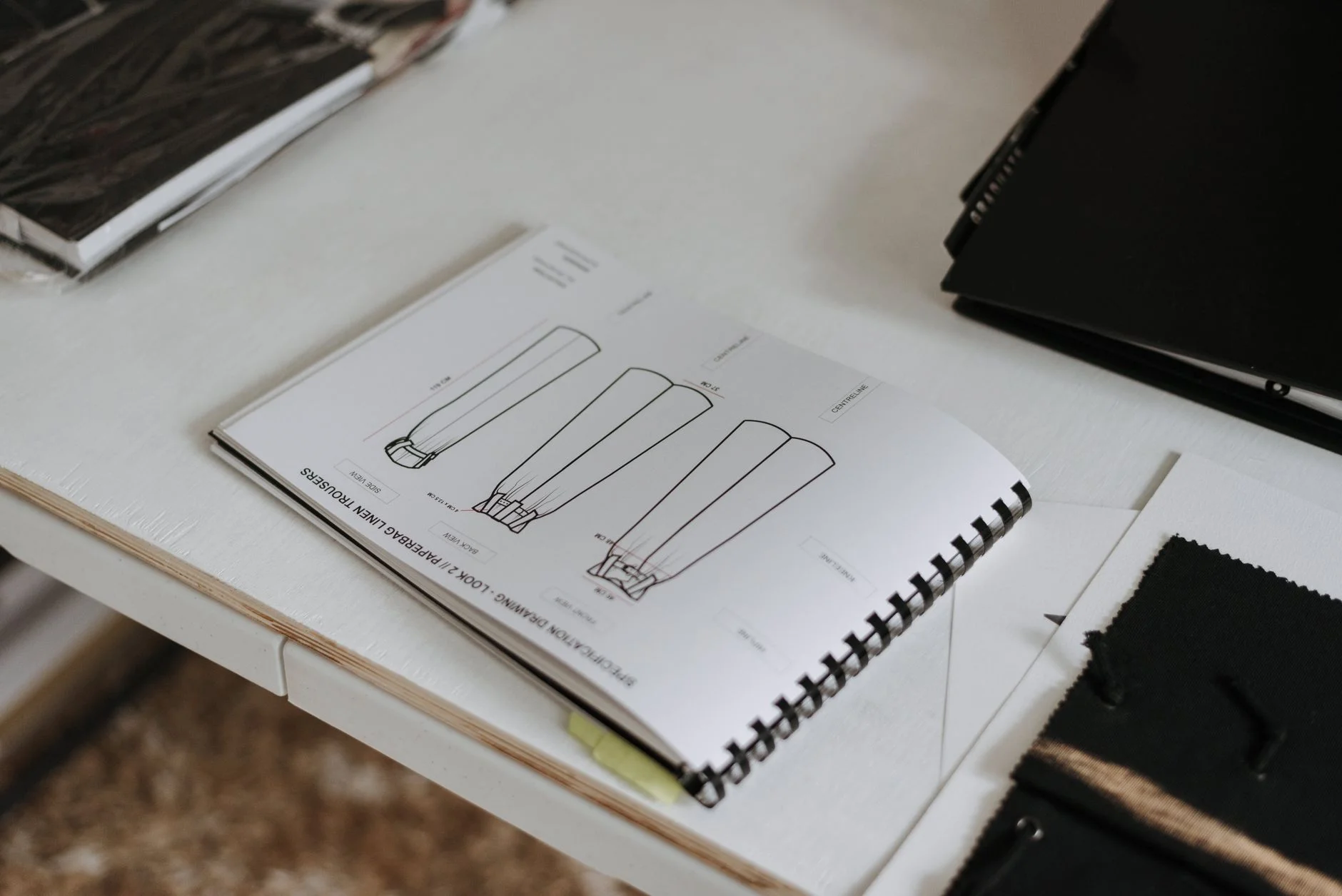
A diagram that shows steps or links.
A scene made for an article, campaign, package, or poster.
A set of characters or objects used across a brand.
A map, cutaway, or close view that makes structure clear.
Motion that explains a state, change, or process.
A concept image that shows something which has not happened.
A chart or map can be an illustration. Its data still needs a checked source and a clear text version. A shape may also be part of an art system even when it has no meaning on its own.
Give the Image One Clear Job
A useful brief begins with one line: "This image should help the viewer understand..." Finish that line before you collect style samples.
Then name the audience and setting. List the final sizes and the facts that must be right. Also state what the art must not imply. A clinic booking map, for example, can show the path a patient may take. It should not look like a real patient record. Fake names and sample data keep the lesson clear without exposing private facts.
If the image must explain five equal ideas at once, the brief may be too broad. Split the work into steps, or give the viewer a clear order to follow.
Choose the Form From the Task
Use illustration when the subject is hard to photograph, needs to show an inner process, or would be clearer after details are removed. Use photography when the real place, person, object, or material is part of the evidence the reader needs.
Some jobs need both. A product guide may use a photo for the exact object and a drawn overlay for the action. A report may pair a chart with a small scene that helps readers enter the topic. The choice should serve the message, not a trend.
Style also has to survive its real setting. Fine lines that look elegant on a large artboard may vanish on a phone. Tiny labels may fail in print. Test the actual crop, background, size, color mode, and motion state before approval.
Build a Brief That Can Be Checked
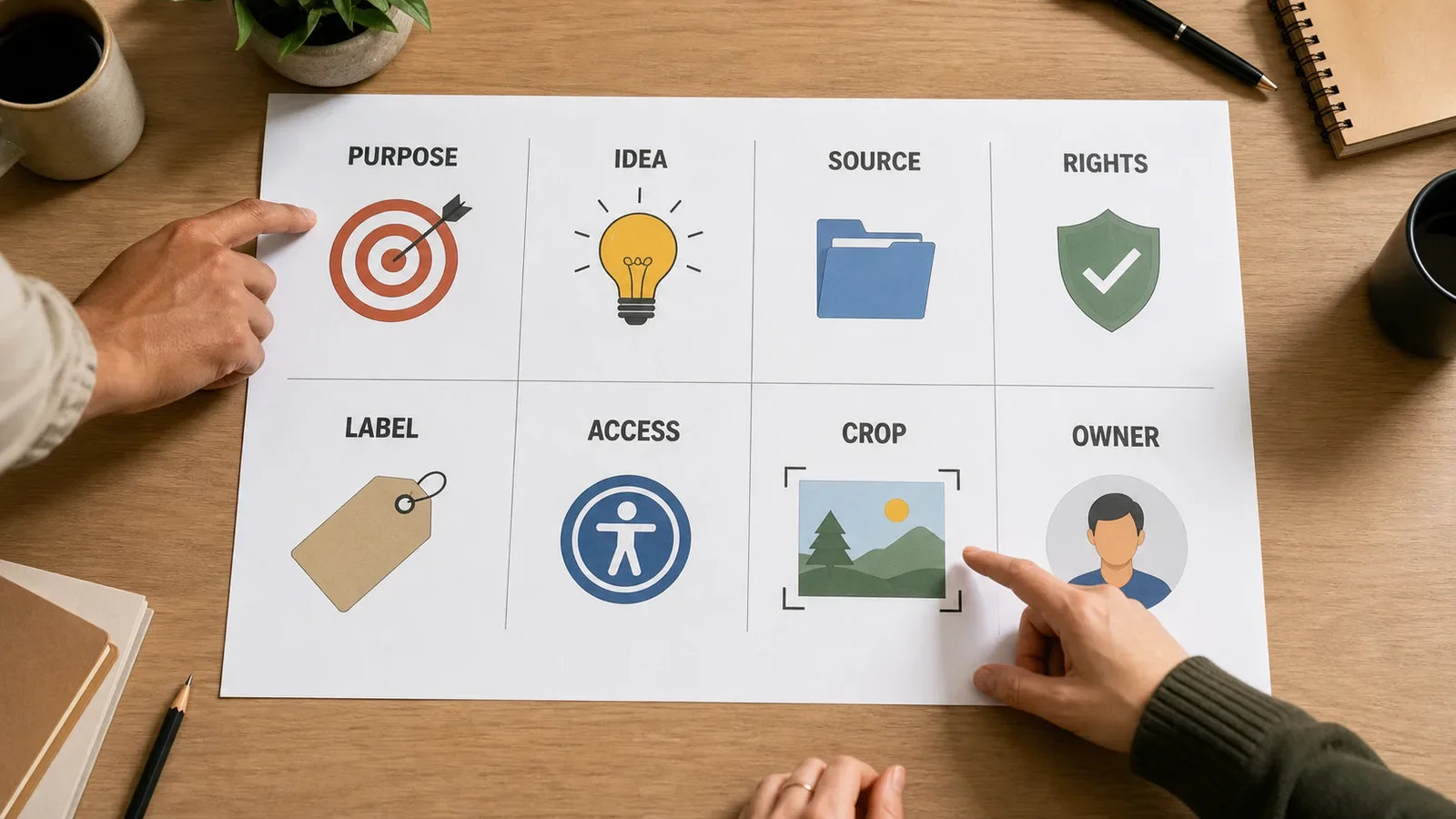
A working illustration brief should record:
Purpose, audience, message, and page context.
Required facts, exclusions, and evidence limits.
Style direction and references, with source links.
Final sizes, crops, file types, and motion states.
Rights, licenses, consent, and any needed credit.
Alt-text guidance, captions, and a text version of complex facts.
Review owner, due date, final files, and future review date.
This turns taste into a choice the team can explain. It also gives the artist room to solve the visual task. The artist should not have to guess which facts are fixed.
Keep Sources and Rights With the Work
Source images can help with pose, light, place, clothes, tools, and form. They do not give you the right to trace or copy the work. Keep the creator, link, license, date, and allowed use with each source file.
Creative Commons explains that its six licenses have different rules for reuse. Some call for credit. Some bar use for profit. Some do not allow changed versions. Easy access to a file does not show which use is allowed.
Rules also vary by country and contract. This article is not legal advice. Check the license and the law that apply to the real use. Get the right consent if the work uses a real face, voice, or private fact.
For AI-assisted art, keep the tool, date, prompt, source files, key edits, and human review. In the United States, the Copyright Office's AI guidance says the use of AI does not bar a work from copyright. The claim still depends on human-made expression, not prompts alone. Other places may use other rules. Do not present a made scene as client proof or a real event.
Make the Meaning Available Without the Image
Alt text depends on the image's job and its place on the page. The W3C WAI images tutorial groups images by use. It covers images that give facts, act as links or controls, show text, hold complex facts, form a group, or serve as decor. Each type needs a different choice.
An image that gives facts needs the meaning a reader would miss. A link or control needs its action or goal. Decor can use empty alt so a screen reader can skip it. A chart, map, or other complex image needs the same core facts in nearby text or a longer note.
Do not copy a caption word for word into alt text. Do not list each color and object if those facts do not help with the page task. Share the useful meaning. You do not need to name each mark.
W3C's G103 technique says that pictures and signs can help explain ideas and steps. That help depends on clear, useful art and the right support for its audience.
Review It in Context
Show the draft in its real page, card, post, slide, pack, or app state. Ask someone who did not see the brief to explain the image. A sure but wrong answer is useful evidence. Revise the art, caption, order, or nearby copy.
Check the small version as well as the large one. Review contrast, crop, text size, order, labels, facts, source notes, and file weight. Some details can change, such as a date, law, team member, price, or screen. Give that art an owner and a review date.
At handoff, keep the master file and exports in one known place. Add the source and rights notes, alt guide, captions, and owner. The job is not done if the next team cannot use or check the art safely.
Common Mistakes
Choosing a trendy style before defining the message.
Copying a reference too closely or losing its source.
Showing a concept as if it were real evidence.
Placing key facts only inside the image.
Testing one large crop but not the final sizes.
Delivering files with no rights, alt, or owner record.
Frequently Asked Questions
Is a diagram an illustration?
It can be. A diagram is an illustration when it uses a visual form to explain steps, parts, or links. Its facts, labels, reading order, and text still need review.
Can AI-generated art be an illustration?
Yes. The job of the image can make it an illustration. The team still needs to check sources, rights, consent, facts, labels, access, and the rules where the work will be used.
Does every illustration need detailed alt text?
No. The right text depends on the image's job and its place on the page. Images that give facts need the meaning a reader would miss. Decor may use empty alt when the page code lets screen readers skip it.
Use Brand Icon and Symbol Language for functional symbol systems and Visual Identity vs. Brand Identity for the wider visual language.
Need an illustration brief that connects meaning, lawful sources, honest labeling, accessibility, delivery, and ownership?
Book a free Brand and Tech Assessment to map the current problem, evidence, constraints, and practical next step.