Why Your AI Avatar Worked Yesterday and Broke Today
Model drift is real, undocumented, and quietly destroying the AI avatar setups people spent hours building. Here's the mechanism, and how to stop losing work to it.


This conversation comes up all the time. Someone is frustrated. Their AI avatar worked perfectly, and now it makes completely different outputs. Nothing changed on their end. No new prompts. No new settings. It just stopped working the way it used to. What they are hitting has a name. It is called ai model drift.
Model drift happens when the AI model underneath you changes. The change can come from a new version, a safety update, a fine-tune, or a full model swap. After it, your old prompts no longer give the same outputs. It is not your fault. It is not really the model trying to break things either. It is just how these systems grow over time. But it wrecks the reliability of any avatar built straight on top of a raw model.
How it works: why the same prompt gives different results
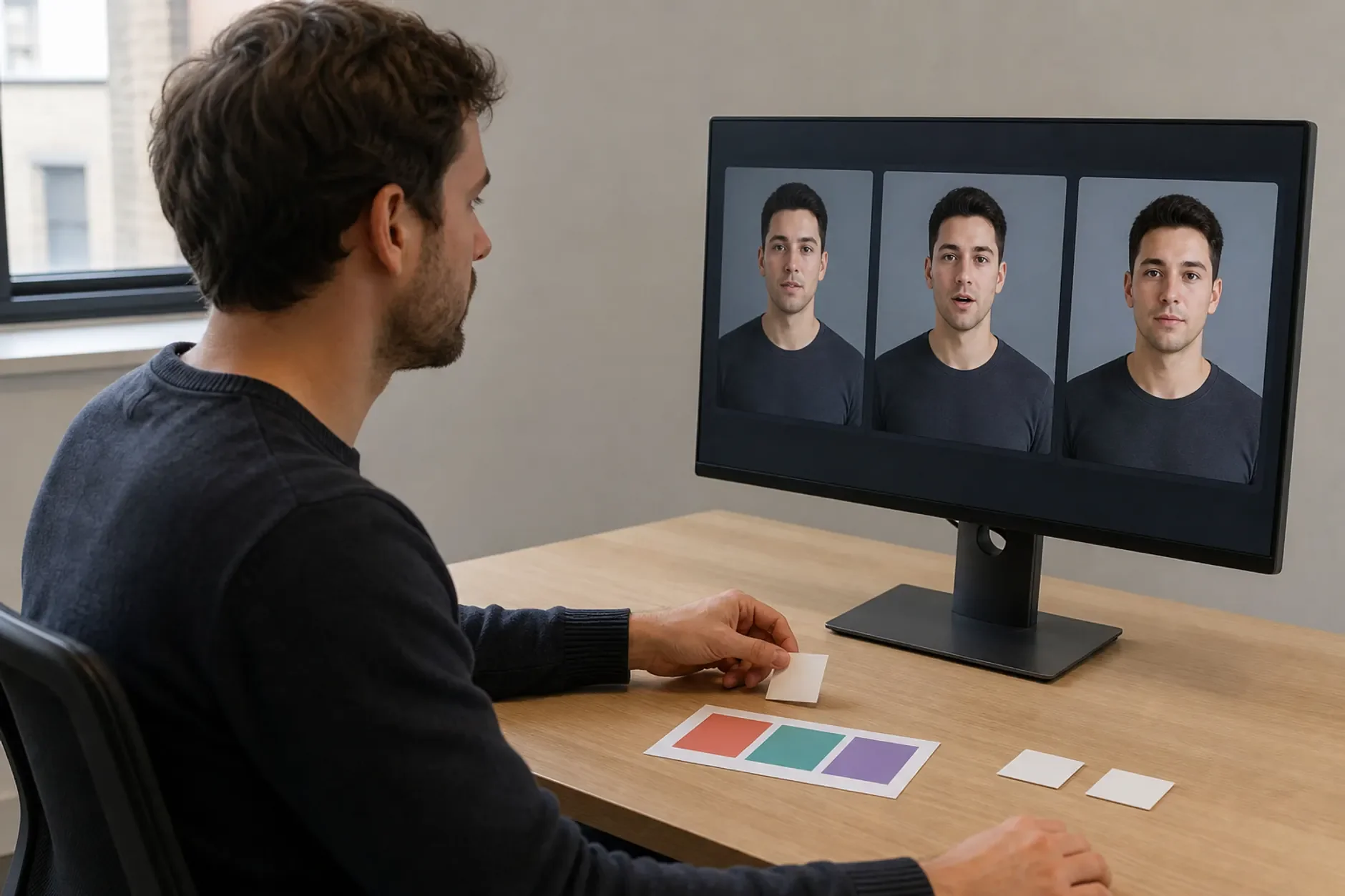
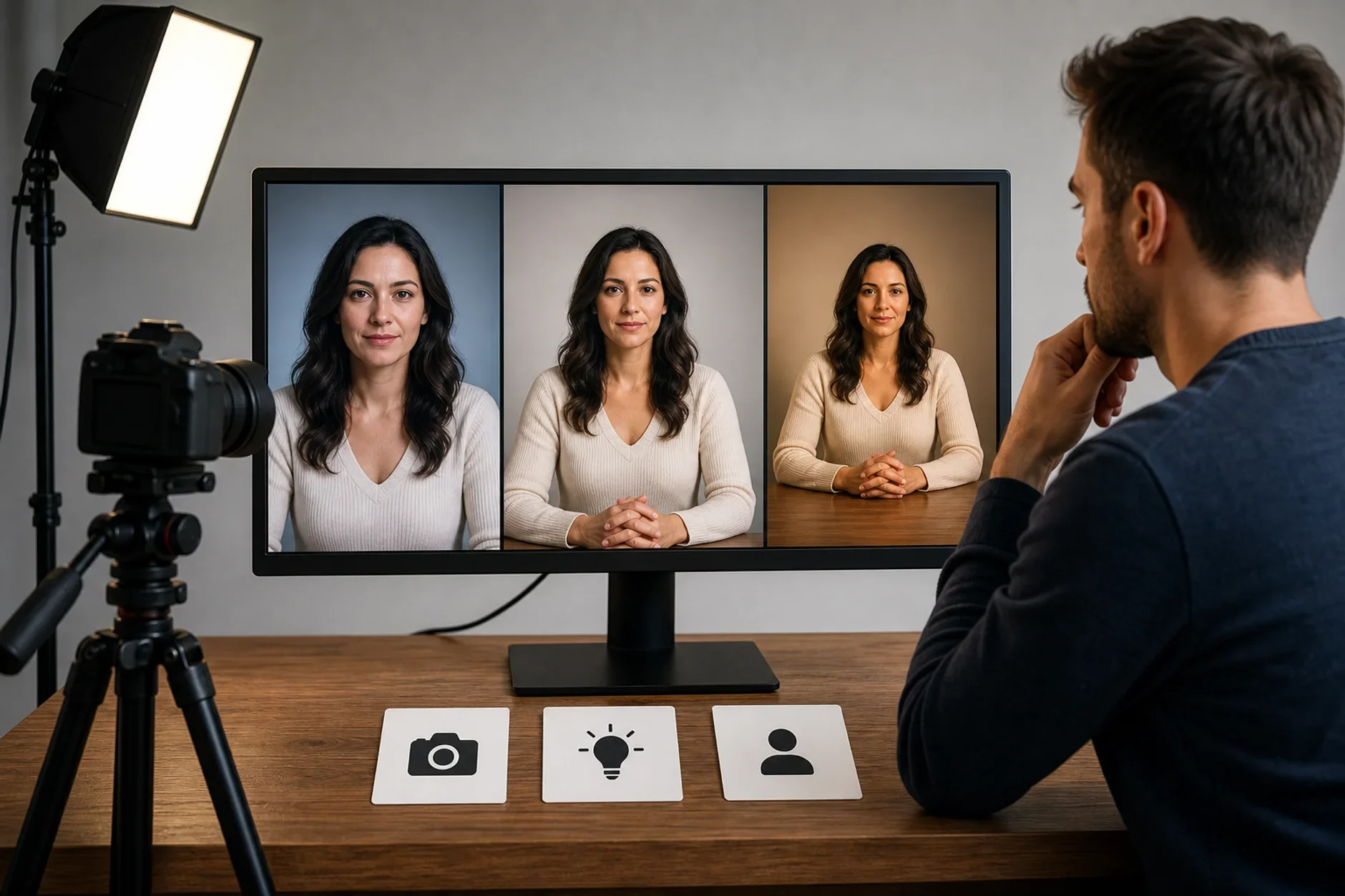
Large language models and image models are not predictable the way most software is. Run the same words at the same temperature and seed, and different versions still read them differently. When a lab retrains a model on new data, the patterns shift. "Professional headshot, neutral background" might map to certain images in version 1.0. In version 1.2 it maps to slightly different ones. Neither result is wrong. They just come from different models.
Safety policy updates can block outputs that were allowed before, with no notice to users that the behavior changed.
New training data changes the model's default sense of style - what it treats as "professional" or "realistic" shifts.
Instruction-following behavior improves (or changes) across versions, so the weight given to specific words in your prompt changes.
Some model providers quietly upgrade users to newer versions with no way to opt out.
Why "just improve your prompts" does not fix it
The usual advice is to tweak your prompt when the avatar breaks. And yes, re-prompting can win back some of what you lost. But it takes a huge amount of ongoing work. It also does not fix the real problem. You are chasing a moving target. Each time you get the prompt right, the next model update resets the clock. You are not building a reliable system. You are just reacting to one over and over.
There is a deeper issue too. Prompting your way to consistency means learning the quirks of every model version you use. That knowledge becomes useless the moment the next version ships. You spent time learning facts with an expiration date.
How Kyndrify handles model drift differently
Kyndrify does not ask you to fight model drift. It hides it from you. You build an avatar through its button-based interface. You define what you want by the outcome, not by model-specific prompt syntax. The platform handles the translation to whatever the model expects. If a model updates and the translation must change, that fix happens at the platform level. It does not land on you.
This is a very different relationship with model change. You are not exposed to it directly. So the avatar you build on Monday still makes the same kind of output on Friday. The model did change. But your link to the model stays stable even when the model does not.
The honest take
Say your AI avatar workflow depends on one raw prompt acting the same across model versions. It will break again. That is not pessimism. It is just how the ecosystem works. The fix is not a better prompt. It is a layer of stability between you and the model. Plan for drift. Do not let it surprise you.
Sources
Stability AI and Midjourney - public changelogs documenting aesthetic changes across model versions.
TTGC / Kyndrify - patterns from building AI avatar tooling.
Ready to work with Through The Glass Creatives?
Book a free Brand and Growth Assessment and see exactly how Mherie, Ravve, and the TTGC team would approach it.
Related reading: Stop Chasing the Newest Model · AI Models Keep Changing - Your Avatar Shouldn't