How AI Video Production Pipelines Work
The full technical architecture of an AI video pipeline, from script to delivery, including the tools, the handoffs, and where human judgment still determines quality.

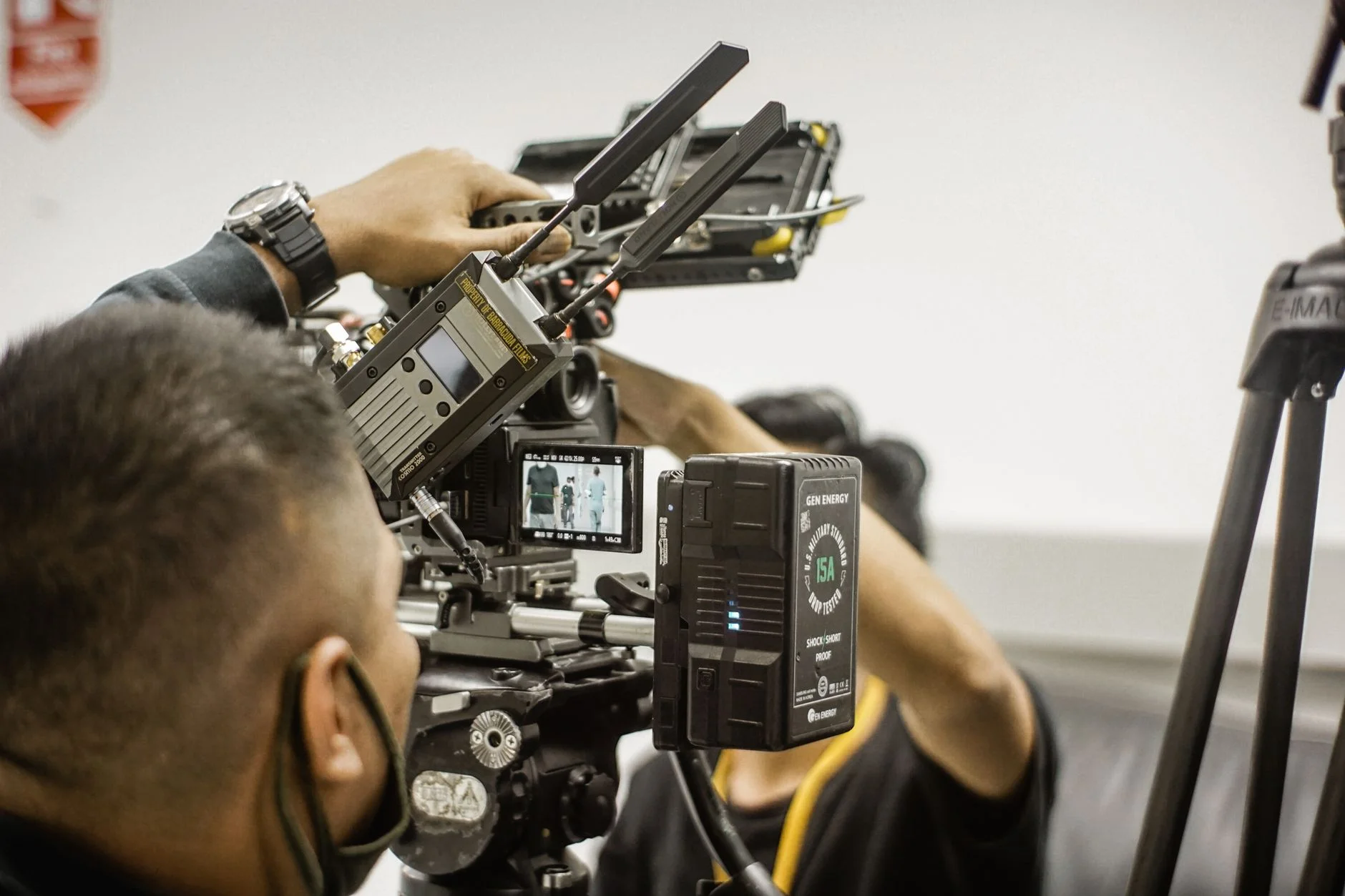
An AI video pipeline is not one tool. It is a chain of specialized systems, and each one is built for a single job. Each system handles one stage of the work, then passes its output to the next in line. Humans check the work at set points along the way. Knowing the pipeline matters, because it is the gap between buying an AI tool and building a real capability. A tool gives you a demo, while a pipeline gives you steady, on-brand video at scale.
TTGC Global runs an AI video pipeline for clients. These clients work in professional services. They also work in e-commerce. Some are in medical fields. Others are in luxury fields. The setup below shows real production practice. It is not a "10 AI video tools you need" list. This is the true order of systems, choices, and quality checks. These steps decide if a video can be published. They also decide if it must be made again.
This pipeline covers two kinds of video. The first is AI avatar video. We explain it in how AI avatars are actually made. The second is generative B-roll and text-to-video. That kind needs its own tools. It needs its own choices. They are close, but not the same.
Stage 1: Script Generation and Approval
Every AI video starts with a script, and the script stage is where the biggest quality choices happen. In an AI pipeline, a large language model writes the script. Common models are GPT-4o, Claude 3.5 Sonnet, and Gemini 1.5 Pro. A branded prompt system guides the model, and it sets the tone, the word choices, and the structure. It also sets where the call to action goes. You build this prompt system just once, then use it again and again to write steady scripts for any topic or use case.
A human must review the script. In pro work, this gate is not optional. AI scripts can hold errors of fact. They can hold off-brand claims, and they can carry compliance risks too. Machine checks cannot catch these well. At TTGC Global, a person reads every script first. Only then does it enter the pipeline. The same labor-safe idea from responsible AI for business applies here. AI grows how many scripts you can make, while humans guard the brand and the facts.
Stage 2: Voice Synthesis
Approved scripts move to the voice stage, and pro pipelines use one of three ways. The first is a cloned human voice, trained on the client's own voice recordings. It uses a TTS model. That could be ElevenLabs, Replica, or Microsoft Azure Neural TTS. The second is a licensed synthetic voice from a pro library. The third is a hybrid. It uses a cloned voice for direct-to-camera content. Then it uses a library voice for B-roll narration. Each way differs in speed, cost, and quality.
We must check how the voice says words. This is key for names, brands, and tech terms. TTS models mess up these words often. Good systems use a custom pronunciation list. It loads when we ask for speech. This saves time fixing words later.
Stage 3: Visual Generation
The visual stage depends on the video type. For avatar video, the audio drives the lip-sync and the animation. This works as set out in the avatar pipeline. For text-to-video, the work is different. It covers generative B-roll, product visuals, and motion backgrounds. Here, the models get scene notes to work from. Those models include Runway Gen-3, Kling, Pika 2.0, or Sora. The scene notes come from the script we signed off on. The visual prompt system is its own asset. It is not the same as the script prompt system. It turns what you want to say into scene descriptions. Those notes give you on-brand, steady output.
Visual generation has the highest cost per redo. One weak scene note can ruin the output. Each redo costs compute and time. Pro pipelines keep a visual prompt library. It holds scene notes we signed off on. It also holds negative prompts that have worked before. The team adds to it with each project. That builds shared know-how. It cuts redo costs over time. It is also why the comparison between AI avatars and on-camera production falls short. You cannot compare them well without knowing the redo costs on both sides.
Stage 4: Assembly and Post-Production
The team gathers all assets next. These include audio, avatar videos or B-roll clips, and static graphics. They put them together in a video editor. For high-volume work, they use a template. This branded template has intro and outro sequences, lower-thirds, and caption overlays. It takes the generated content as input. Custom work is more manual to assemble. A production brief still guides it. The brief keeps the brand consistent.
An AI pipeline has several post-production tasks. First is audio normalization and mastering. Next is color grading. This makes clips look the same. Then comes caption generation. It uses Whisper or a similar ASR model. A human then fixes it. Last is platform-specific encoding. It gets the video ready for each one. Think of a 60-second LinkedIn video, a 90-second YouTube Short, and a 15-second Instagram Reel. They are not one asset in new clothes. They are separate outputs from the same project. Each one is paced and framed for its own platform.
Stage 5: Quality Review and Publishing
A final QA check happens before publishing. It looks at lip-sync accuracy. It checks audio-visual sync throughout. It makes sure captions are right. It checks brand rules like colors, fonts, and logos. It follows each platform's technical rules. Automated tools do the fixed checks. These include Pipeshift, Bannerbear webhooks, and custom Python checks. People review the tricky parts. Tools can't handle these. One example is a clip that fits the tech rules but feels wrong for the brand. Another is a caption that is right but hard to read.
An AI video pipeline is not "AI makes the video." It is a production setup with clear roles. AI handles volume and speed. Humans hold the quality gates that protect the brand.
Build Your AI Video Pipeline
Book a free Brand and Growth Assessment and see exactly how Through The Glass Creatives would approach it.
Sources
- Runway ML Research. "Gen-3 Alpha Technical Report." 2024. runwayml.com
- ElevenLabs. "Voice Cloning and TTS Documentation." 2024. elevenlabs.io/docs
- OpenAI. "Sora: Creating video from text." 2024. openai.com/sora
- Wistia. "State of Video Report 2024." wistia.com, 2024.