Web Design for Private Schools: Admissions, Access, and Trust
Plan accurate school content, accessible admissions, child and family privacy, safe media, security, ownership, and honest measurement without an enrollment promise.

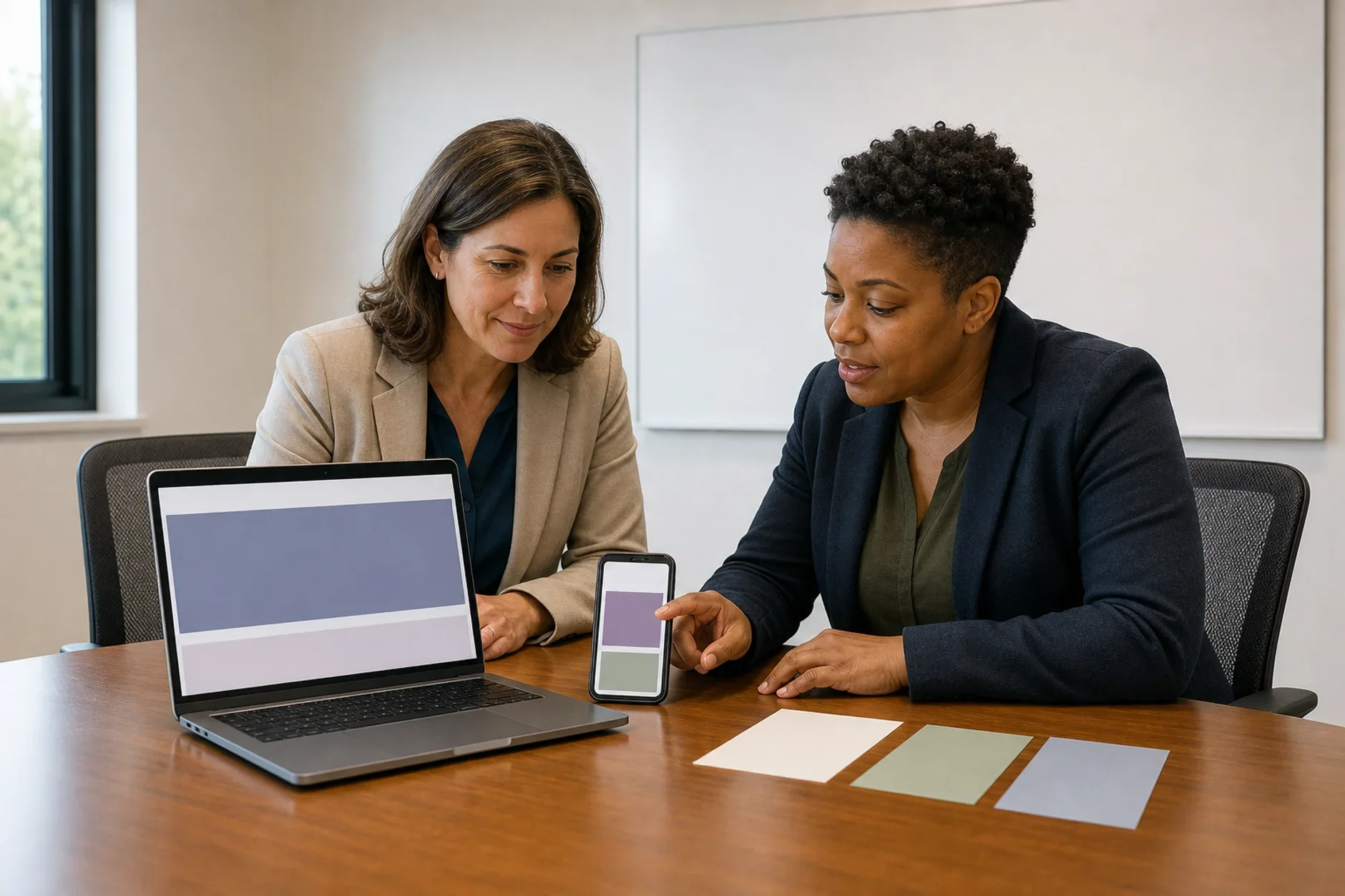
A private school site serves more than new families. Students, parents, and guardians use it. So do staff, alumni, vendors, and the public. Each group comes with its own tasks. Each one comes with its own risks.
A pretty site can still fail people. Dates go stale and forms block access. Private data leaks, and families cannot find help. Start with facts that are right. Make each task safe. Then let the design make those tasks easier to use.
Rules change with the school, the age group, and the place. They also change with the funding, the program, the data, and the vendor. The school has legal, privacy, safety, access, admissions, academic, and IT owners. Each one should approve the parts they control. This guide is not legal advice.
Build Around Real Student and Family Tasks
Do not build the site around a guessed ideal parent. Study what students, families, staff, and support teams really do. Ask a fair mix of them. Give people a safe way to take part. Protect what they share.
List each audience, age group, language, device, access need, and school stage.
Map each task, question, source, owner, next step, help route, and deadline.
Test with people who use assistive tools. Test slow networks, small screens, and other languages.
Offer phone, email, or in-person help when the online path is not enough.
Do not use private profiles or hidden scores to steer admissions or support.
Publish a Clear School Identity
State the school's legal name, place, age or grade range, and program. State the status, contacts, and current year too. Say which office owns admissions, fees, and academics. Say who owns transport, safety, and student support.
A campus, program, award, approval, or partner may not apply to every student or site. Do not imply that it does. Link to a current source. A reader can then check the claim.
Build an Admissions Path That People Can Complete
The admissions page should explain the steps before it asks for data. Use short steps and plain words. Show what is needed now. Show what comes later.
Give current dates, age or grade rules, required records, fees, and contacts.
Explain how the school reviews an application. Do not promise a place.
Show how to ask for an access need, language help, or another format.
Let people save work when a form is long. Warn them before a session ends.
Write useful errors. Say what went wrong and how to fix it.
Give a safe route for questions, complaints, appeals, or a missed deadline.
Test the whole path from start to end. That means inquiry, tour, account setup, and upload. It also means payment, confirmation, status, and support. A submit button that works does not prove the process is fair. It does not prove the process is easy to use.
Keep Fees and Aid Current
State the currency, school year, and tuition or fee. State the deposit, due date, and owner. Explain what is included. Explain what may cost more. Add refund, withdrawal, aid, and payment details only after the right owner checks them.
Do not borrow a broad tuition range from another school or market. Do not imply that aid is open to everyone. Give a contact for the student's or family's own facts.
Support Academic Research Without Inflated Claims
Families may need details on curriculum, subjects, schedule, and support. They may also need details on class, teacher, exams, and accreditation. They may need to know the next steps. Use current school records. Name the year, program, group, and limit when they matter.
Some claims need clear terms and proof. That covers placement, exams, and acceptance. It also covers class size, awards, alumni, faculty, safety, and outcomes. One good result does not prove the full school experience.
Name the source, group, period, and method. Name the items left out and the review date.
Keep an approved owner for each claim and chart.
Make charts easy to read in text. Do not rely on color alone.
Correct or remove a claim when its source or meaning changes.
Protect Children and Family Privacy
A school site may collect or show data about children and families. That can include learning needs, health, and behavior. It can also include location, payment, or access. Map every form, field, file, cookie, tag, vendor, and transfer before launch.
COPPA, FERPA, state law, and other rules do not apply the same way to every school or flow. For example, the U.S. Department of Education says FERPA generally does not cover private K-12 schools. That holds when the school gets no funds from a Department program. Check the real entity and the real data path.
Collect only the data needed for a clear school purpose.
Say who gets it and why. Say where it goes, how long it stays, and who can act on it.
Keep marketing consent apart. Do not tie it to school, admissions, or care choices.
Limit staff and vendor access. Log key access and changes.
Give the right person a way to ask about data. They may need to correct, see, or remove it.
Use Student Images and Stories With Care
A real photo can help people picture school life. It can also reveal a child's name, age, uniform, or routine. It can reveal a room, team, disability, or place. A stock photo hides some of those facts. It must never pretend to show the real school.
Get the permissions you need from the adult and the child. Do it before capture and use.
State the channels, time, audience, and edits. State the paid use, storage, vendors, and exit path.
A story can work without a name, grade, diagnosis, result, or full face. Do not require them.
Check the background for schedules, badges, screens, and addresses. Check for room numbers and other children.
Record the approved version. Honor the school's process to withdraw or remove it.
A testimonial must stay true to what the speaker meant. Do not write praise for a family to repeat. Disclose a reward or material link when required. Do not imply that one story is a common result.
Design for Access From the Start
Access is part of the task. It is not a plug-in you add at the end. Test the pages, files, media, and forms. Test the calendar, search, map, and account paths too.
Use clear headings, labels, focus, and keyboard access. Check contrast, zoom, and error help.
Give captions and a transcript for video. Give useful alt text for images.
Offer documents people can access, or an equal web version.
Avoid motion or time limits that people cannot pause. Avoid controls they cannot manage.
Test with real assistive tools and real people. Do not rely on an automated scan alone.
Make the Site Fast Enough for Real Conditions
Test common school tasks on real phones, tablets, and computers. Try them on real networks and browsers. Compress media. Load only what the page needs.
Google says a good Largest Contentful Paint is 2.5 seconds or less. That is at the 75th percentile. It is one field measure. It does not replace access, clear content, security, or task tests.
Protect the Site and Its Vendors
School sites face risk from accounts, payments, files, forms, and vendors. Keep a current list of systems, owners, access, and data. Track contracts, backups, updates, and support routes too.
Use strong sign-in controls. Give each person only the access they need.
Patch systems. Remove old accounts, plug-ins, keys, and files.
Test backups and the steps to restore the site.
Plan for a bad upload, a false notice, or a stolen account. Plan for a data event or a vendor outage.
Keep an emergency way to publish. Keep a second way to reach families.
Give Every Page an Owner
Old calendars, staff pages, forms, fees, and PDFs can harm people. For each key item, record the owner, source, and approval. Record the start date, review date, and expiry rule too.
Train staff on the tasks they own. Keep a simple change log. A content system cannot keep facts current on its own. It needs people and time.
Measure Service Quality, Not Just Leads
Track task completion and form errors. Track access needs, searches, support questions, and stale-content reports.
Track valid inquiries and each step of an application. Use clear terms. Respect privacy limits.
Track security events, complaints, and corrections. Track how long they take to fix.
Keep website changes apart from fees, capacity, and policy. Keep them apart from academics, location, and other causes.
A website does not guarantee trust or enrollment. It does not guarantee a waitlist, student fit, or a school result. Use the data to find problems and improve the service.
How TTGC Can Help
TTGC can help you map users and tasks. We can plan content and design accessible paths. We can set media rules and review vendors. We can test the site and build a system that keeps pages current. School owners keep the legal, safety, academic, privacy, admissions, and student-care choices.
The work should start with the school's real facts and limits. It should not start with a promise to fill seats.
Pre-Launch Checklist
Keep school identity, contacts, dates, programs, fees, and claims current.
Test admissions steps, help, access needs, errors, records, and payments.
Review child and family data, media, cookies, vendors, and rights.
Check that pages, files, video, forms, search, and accounts pass access checks.
Test each path: security, backup, restore, incident, and emergency.
Each key item has an owner, review date, fix path, and expiry rule.
Build an accessible and controlled school website
TTGC can assess content, admissions tasks, accessibility, privacy, security, media, vendors, ownership, and measurement. Enrollment and waitlist outcomes are not guaranteed.
Sources
- Federal Trade Commission - Complying with COPPA: Frequently Asked Questions. https://www.ftc.gov/business-guidance/resources/complying-coppa-frequently-asked-questions
- U.S. Department of Education - To Which Educational Agencies or Institutions Does FERPA Apply? https://studentprivacy.ed.gov/faq/which-educational-agencies-or-institutions-does-ferpa-apply
- U.S. Department of Justice - Guidance on Web Accessibility and the ADA. https://www.ada.gov/resources/web-guidance/
- Cybersecurity and Infrastructure Security Agency - Protecting Our Future: Cybersecurity for K-12. https://www.cisa.gov/resources-tools/resources/report-protecting-our-future
- Google Search Central - Core Web Vitals. https://developers.google.com/search/docs/appearance/core-web-vitals
- W3C - Web Content Accessibility Guidelines 2.2. https://www.w3.org/TR/WCAG22/