AI Avatars for Marketing Videos: A Controlled Production Guide
A practical framework for production-method selection, claims, face and voice rights, scripts, gated production, accessibility, current channel rules, data, experiments, total cost, and withdrawal.

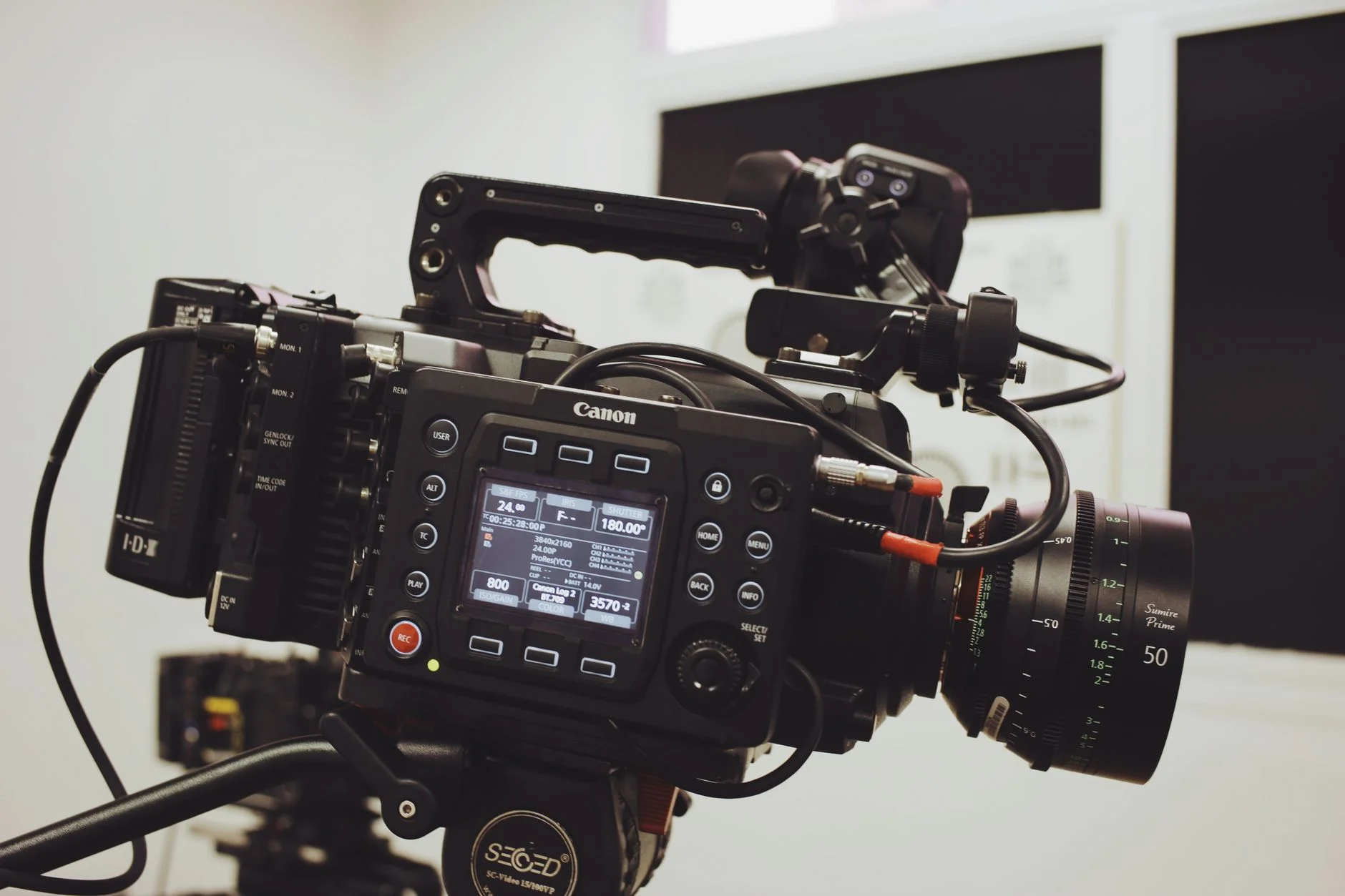
AI avatars are one way to make a marketing video. They are not always cheaper, faster, or steadier than the other options. They may not be easier to update or as useful either. Your other options include a real host, art, a screen demo, a product film, audio, text, or a mix. Vendor features, prices, rights, limits, and rules change. Check them now.
Avatar video cannot promise views, clicks, or sales. It cannot promise learning, trust, or lower costs. It cannot promise a steady message, revenue, or growth. Drop broad claims about 85% sound-off viewing, 40 to 60% VTR, and 2 to 4% CTR. Drop human-match, channel-win, and low-cost claims too. Keep them only when a skilled owner has current proof that fits the same case.
Choose the Use Case Before the Production Method
Set the audience task, the approved claim, and the channel for the video. Then set the place, language, length, next action, access needs, owner, budget, and dates. Finish with the success measure, the safety limits, and the stop rule.
Compare each option against the same brief and judge them the same way. Weigh no video, a real host, a customer or expert, a product film, a screen demo, art, an avatar, and mixed options.
Use an avatar only when it passes the gates you set. Its rights, risks, quality, work flow, cost, and audience fit all need to clear that bar before you approve it.
Secure Face, Voice, Script, and Media Rights
Log consent and rights for each shown person or role. Do the same for voice, act, script, source, product media, font, logo, music, film, translation, data, and output. Set the uses, markets, channels, and term. Set edits, reuse rights, model or training use, and pull rights. Cover job changes and take-down as well. Do not make up a customer, expert, worker, or review.
Build a Claim-Controlled Brief and Script
Log each direct or implied claim about a product, service, price, or rival. It also covers health, money, green results, reviews, and outcomes. Keep the proof, scope, limits, reviewer, note, and end date for each one. Write for clear meaning and for speech. Do not give the avatar power, skill, presence, feeling, or ties it does not have.
Run a Gated Production Workflow
Sign off on the brief and script first. Do that before you make the video. Then approve identity, voice, speech, and disclosure before the final edits.
Check the lip match, flaws, face, moves, and timing in the finished video. Then check the names, numbers, captions, translation, product screens, claims, and crop on your key devices.
Keep the model, version, settings, source files, and output IDs. Also keep the reviewers, fixes, final files, post records, and pull routes.
Design for Accessibility and Comprehension
Add true captions and a text copy where needed. Test the contrast, type size, timing, motion, flash, controls, keys, screen readers, and audio-note needs. Then check whether meaning rests only on sound, color, or a face. Auto-captions and set screen shapes do not prove access.
Distribute From Current Platform Evidence
Check the current specs and ad rules for each channel. Check made-media labels, audience limits, data terms, and placement acts as well. Do not claim that a platform favors avatar video. Do not set one length, first-three-second rule, sound level, screen shape, or refresh cycle for all of them. Test the real place and the real audience.
Protect Data and Audience Rights
Map your custom inputs, audience lists, pixels, cookies, and CRM. Map identity, place, health, money, worker, child, and engagement data too. Set the right to use and the least data you need. Then set access, keep time, and deletion. Cover vendors, transfers, model use, and issue steps. Do not guess private traits. Do not make a false personal video.
Run Bounded Comparisons and Measure Total Cost
Compare ways to make the video when you can, using the same message, offer, audience, place, dates, and quality bar. Track valid reach, clear meaning, task finish, sound results, access flaws, fixes, and complaints. Also track work and review time, vendor fees, use fees, failures, and full cost. State the credit limits, and do not turn a link into a cause.
Plan Change, Incident, and Withdrawal
Set triggers for a change in offer, price, product, claim, person, rights, model, or voice. A change in language, law, rule, issue, or access counts as well. Define the pause, fix, swap, notice, take-down, delete, and archive duties. Do not keep an old video live just because it was cheap to produce.
What TTGC Can Support
TTGC can help you choose the use case, write briefs and scripts, and keep the rights logs. TTGC can plan the work, shape the brand, aid access, test channels, measure results, fix issues, and hand off. TTGC cannot promise vendor results, savings, views, clicks, sales, revenue, or growth.
Ready to plan an avatar-video campaign?
TTGC can help compare ways to make it and set claims, rights, work steps, access, channel tests, measures, and pull controls. Results are not promised.
Sources
- NIST AI Resource Center — AI Risk Management Framework and Generative AI Profile resources. https://airc.nist.gov/
- U.S. Copyright Office — Copyright and Artificial Intelligence, Part 1: Digital Replicas. https://www.copyright.gov/ai/Copyright-and-Artificial-Intelligence-Part-1-Digital-Replicas-Report.pdf
- Federal Trade Commission — Advertising and Marketing guidance. https://www.ftc.gov/business-guidance/advertising-marketing
- Federal Trade Commission — Privacy and Security guidance. https://www.ftc.gov/business-guidance/privacy-security
- W3C — Web Content Accessibility Guidelines (WCAG) 2.2. https://www.w3.org/TR/WCAG22/