How Accurate Is a Digital Twin Avatar? A Test Guide
Test a digital twin avatar by the task, face, motion, voice, words, language, rights, data, access, review, failure cases, consistency, cost, and exit.


A digital twin avatar is not accurate in one set way. It may match a face in one shot. It can still fail on speech, motion, a name, a mood, or a side view. So set the task and a pass mark before you judge a demo.
Accuracy Depends on the Task
Name the viewer, the message, the speaker, the channel, and the next step.
List what you need for face, voice, words, motion, language, and access.
Set which errors are small, which are bad, and which are unsafe.
Add bad input, hard names, mood, and odd angles.
Keep a human or filmed route for work past that mark.
Test the Layers Separately
Look: face, eyes, mouth, skin, hands, pose, light, and motion.
Voice: tone, pace, stress, names, numbers, and noise.
Words: script match, facts, claims, and local meaning.
Access: captions, audio, text, contrast, and controls.
Same each time: run the same test on more than one render.
Check Rights, Data, and Control
Get clear consent for the face, the voice, the script, and each use.
Set edits, places, term, pullout, and removal.
Ask what vendors may keep, share, train on, or copy.
Keep source, version, sign-off, and incident records.
Plan export, outage, takedown, and exit.
Run a Blind Task Test
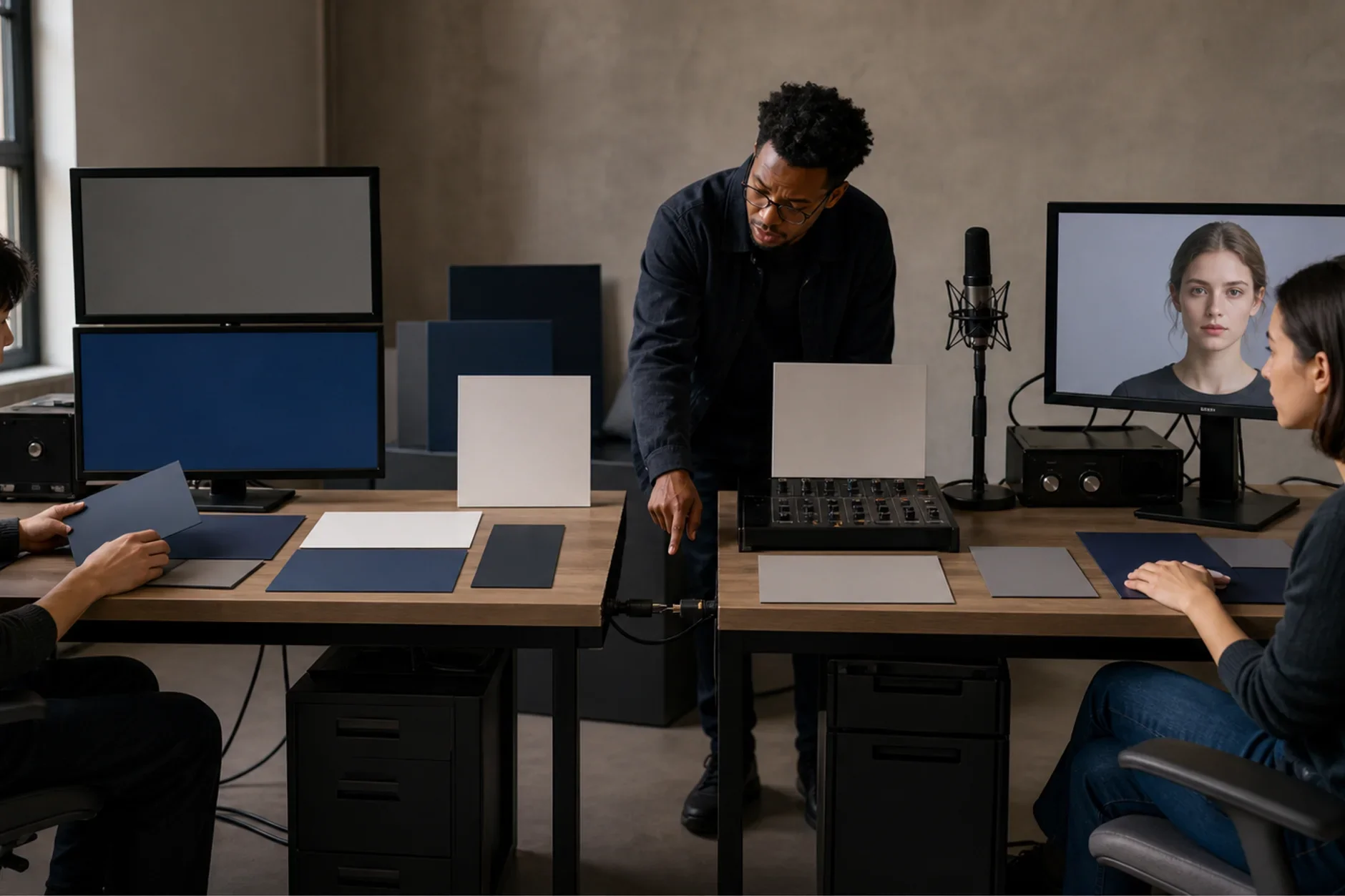
Use one fixed script, sample, device, term, and review group. Mix the clips so the reviewer cannot tell which tool made each one. Score the task first. Then score each layer. Track errors, retakes, review time, access, support, and full cost. State the sample and the limits.
For the type choice, read Custom AI Avatar vs Stock Avatar. For tool limits, read Beginner AI Avatar Platforms.
Build the Accuracy Scorecard
A useful score is tied to one job. Score the face, motion, voice, words, access, and drift on their own. Then ask if the whole clip is safe and useful for that job.
Do not let an average hide a bad fault. A wrong name, a false claim, a missing warning, or a face you did not clear can fail the test. That holds even when the clip looks great.
Write the task and the audience before you pick the tool.
Give each layer a clear pass rule and a named reviewer.
Mark errors as looks-only, task-blocking, or unsafe.
Set any auto-fail rule before anyone sees the clip.
Keep the raw scores as well as the final call.
Create a Repeatable Test Set
Use the same cleared inputs for every tool or version. Add plain clips, hard clips, and broken clips. That makes the result easy to compare and repeat.
Plain set: front view, plain light, common words, and calm speech.
Hard set: side view, fast speech, names, numbers, pauses, and mood.
Broken set: poor audio, blocked face, long sentence, loud room, and a language the tool does not cover.
Render each test three times or more to show drift.
Keep the script, device, export settings, and reviewers the same.
Use only cleared or fake test material. Never use private client data.
Measure Visual, Motion, and Voice Fidelity
Likeness is more than one still frame. Watch the whole clip at normal speed. Then step frame by frame where a fault shows up. For voice, check meaning and how names sound. Do not just ask if the tone sounds nice.
Face: who it looks like, eyes, mouth, teeth, skin, hair, and side view.
Motion: lip timing, blink rate, head turns, hands, posture, and cuts.
Voice: speaker match, pace, stress, names, numbers, and room noise.
Script: missing words, added words, changed claims, and timing.
Export: size, frame rate, audio level, captions, and squeeze.
Write down the exact time code for each fault. Then a second reviewer can check it.
Check Meaning, Access, and Identity Drift
A clip can look real and still fail the task. Test if a new viewer gets the point. Ask if they know what to do next. Run that test across scripts, languages, devices, and later renders.
Ask viewers to say the main point in their own words.
Check names, figures, dates, claims, and local meaning against the source.
Check captions, reading order, contrast, audio, and key controls where they apply.
Have a skilled language reviewer check the translated script and how names sound.
Compare the face and brand traits across every cleared render.
Send advice, complaints, high-risk claims, and odd cases to a person.
Use a Small Pilot Decision
Say a training team tests one two-minute policy update. It could compare an avatar clip with a filmed presenter clip. Both would use the same script, captions, reviewers, devices, and learner task.
Before the test, the team would set its own limits. Those cover script errors, bad visual faults, caption faults, review time, and full cost. They are local rules, not industry marks.
Pass only when every auto-fail rule is clear.
Revise when the task works but one layer misses its mark.
Stop when rights, safety, meaning, or face controls fail.
Keep the non-avatar route when it is safer, clearer, or easier to run.
Document Limits and Re-Test
Save the inputs, the tool and model version, and the settings. Save the clips, reviewer notes, sign-offs, and date too. Test again after any change to the vendor, model, script, voice, language, workflow, or policy.
The NIST AI Risk Management Framework treats testing, evaluation, verification, and validation as ongoing risk work. It does not give one accuracy number for digital twin avatars. Your proof must match your use.
The Short Answer
Set what accuracy means for the real task. Then test face, motion, voice, words, language, access, faults, and repeat renders. Check rights, data, review, cost, incidents, and exit. No digital twin can promise a perfect likeness, sound judgment, trust, or a safe result.
Need a digital-twin test plan?
TTGC can map the task, layers, rights, data, failure cases, pilot, access, cost, measures, incidents, owners, and exit. Legal, rights, privacy, and security approval remain separate.
Sources
- National Institute of Standards and Technology: AI Risk Management Framework. https://www.nist.gov/itl/ai-risk-management-framework
- National Institute of Standards and Technology: Privacy Framework. https://www.nist.gov/privacy-framework
- U.S. Copyright Office: Copyright and Artificial Intelligence, Part 1, Digital Replicas. https://copyright.gov/ai/Copyright-and-Artificial-Intelligence-Part-1-Digital-Replicas-Report.pdf
- World Wide Web Consortium: Web Content Accessibility Guidelines 2.2. https://www.w3.org/TR/WCAG22/