How Long Does It Take to Create an AI Avatar?
The honest answer depends on what's actually slowing you down, and most people are surprised to learn it's not the technology.


Clients ask one question more than almost any other. They want to know how long the work takes. For AI avatar creation time, the honest answer is that it depends. But it does not depend on the reasons most people assume. The technology moves fast. The models are capable. The real holdup is almost always the process people use to work with those models. That process tends to be slower and more fragile than it needs to be.
Most people have tried building an avatar at least once before. They researched models. They picked one. They wrote a prompt. They tweaked it. They got mixed results. Then they switched models and started over. That cycle is what eats the hours, not the actual generation. So here is a realistic timeline. It shows where the time really goes.
Phase One: Research and Model Selection (1-3 Hours)
First, most people spend real time just choosing a model. There are dozens of image and video tools. Each one has different strengths, pricing, and output styles. You read comparisons. You watch demos. You sign up for trials. This phase alone can take half a day if you are new to it.
Research the models that are best in class right now: 30 to 90 minutes
Set up the accounts and learn how each tool's interface works: 30 to 60 minutes
Run the first test generations to get a feel for how good the output is: 30 to 60 minutes
Phase Two: Prompt Development (2-6 Hours)
Almost nobody plans for this phase. Yet it eats most of the time. You want a result that is consistent, on brand, and high quality. That takes the right prompt structure. And the structure changes a lot from model to model. What works in one tool fails in another. What worked last month may behave differently today, because models keep updating.
Work through the first prompt iterations to learn how the model tends to write: 45 to 90 minutes
Refine it for consistency across many generations: 60 to 120 minutes
Adjust it for brand-specific details like tone, style, and appearance: 60 to 120 minutes
Phase Three: Review, Feedback, and Revision (1-4 Hours)
Once the output looks close to right, you are still not done. Review brings stakeholder feedback. That often sends you back into the prompt. You then have to turn vague notes like "make it feel more confident" into language the model can read. That translation is its own skill. It adds time with every round.
Here is the realistic total for a first avatar, done by hand: 4 to 13 hours. That time is spread across more than one session. For teams that do this on a regular basis, it compounds fast.
Where Kyndrify Changes the Math
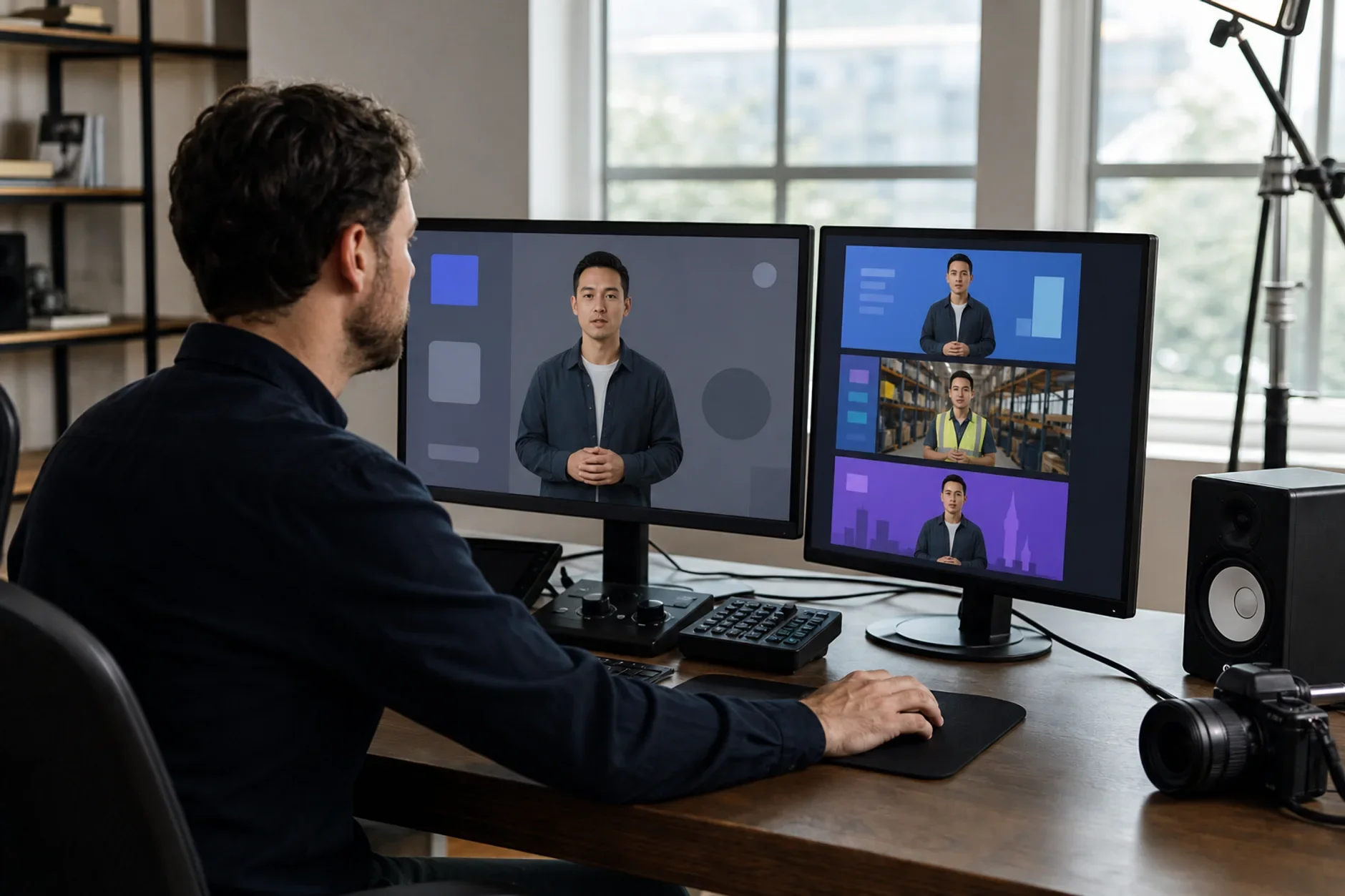
Kyndrify was built to compress phases one and two. You do not research models. You do not write prompts from scratch. Instead, the platform puts several models behind one button based interface. You make structured choices through guided options. Kyndrify handles the model specific prompt logic underneath. The research phase goes away. The prompt phase shrinks from hours of tweaking to one guided session. Most users reach a usable, on brand avatar much faster than they would with a raw model.
The Honest Bottom Line
Doing this by hand takes about 4 to 13 hours for a first avatar. Each later revision takes fewer hours, but the time still adds up. A structured platform like Kyndrify shrinks that window a lot. The reason is simple. The research and prompt phases are already solved. The technology itself is fast. The overhead is what you bring to it.
Sources
TTGC / Kyndrify - patterns we see as we build AI avatar tooling. Find it at kyndrify.com
Gartner - research on how firms adopt generative AI, and on enterprise time-to-value. Find it at gartner.com
Ready to work with Through The Glass Creatives?
Book a free Brand and Growth Assessment. See exactly how the team would approach your avatar work.
Related reading: How Long Does It Take to Learn AI for a Job? A Realistic Timeline · How Much Does It Really Cost to Make an AI Avatar?